Project Type
Sponsored Academic
Timeline
Jan – Aug 2025
Team
2 Designers
Innovation Specialist
Lead Designer (Me)
Tools
Figma
FigJam
ChatGPT
What I did
- Led the design of both halves of the system, the AR glasses children wear and the companion app parents hold.
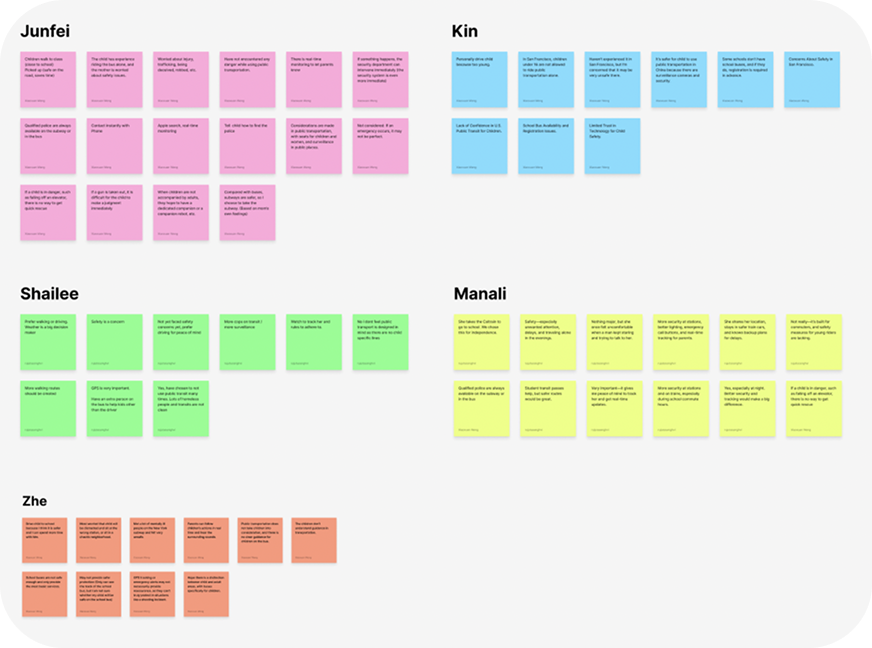
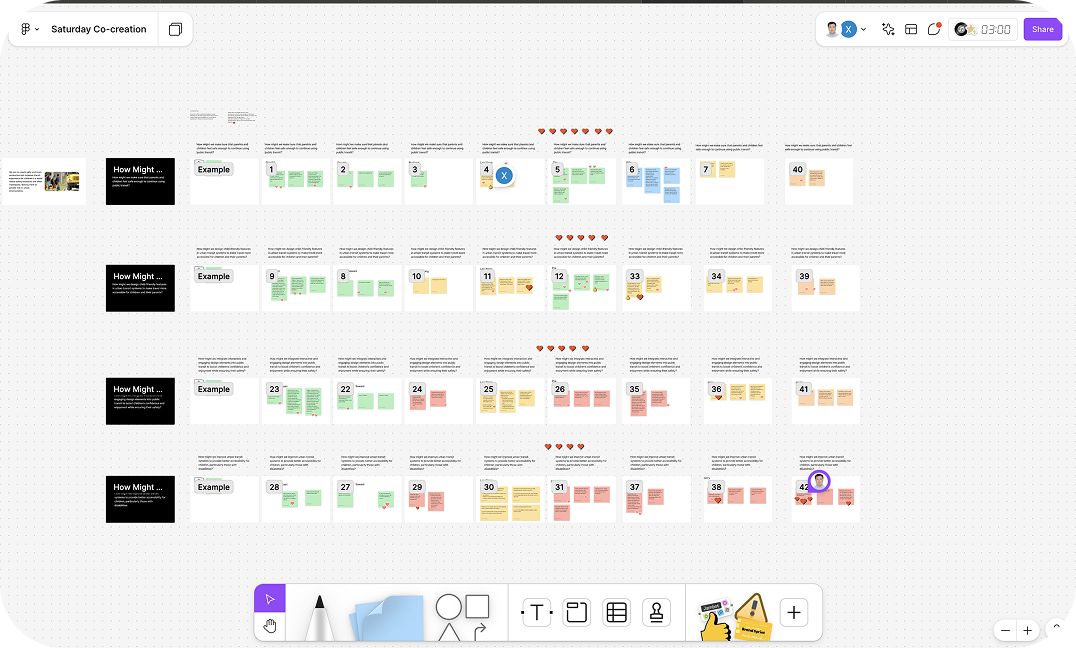
- Drove the research plan and synthesis, field work at UC Berkeley and the SF Summer Resource Fair, five parent interviews, and co-creation workshops with families, which surfaced the independence tension the whole product is built on.
- Made the case that UNICEF should build the software layer and not the hardware, after scoring five mobility solutions against the same criteria and studying where Meta, Snap, and Apple were heading.
- Ran a one month prototype sprint with 20 parents, sometimes alongside their children, whose feedback on safety settings turned real-time tracking from a demand into an optional setting.
Overview
Designing how children will move through cities in the next 3 to 10 years
A CCA capstone with the UNICEF Innovation Node, focused on safer and more inclusive mobility for children. We worked closely with Meg McLaughlin, the Node's Innovation Specialist, who guided the project's direction.


Parents said the system made them more comfortable letting their child travel independently
Parents and children participated in usability tests, shaping the product's safety and interaction design
UNICEF partners, faculty, and peers engaged through live demos and case presentations, contributing insights to an upcoming UNICEF knowledge product
Problem
Unsafe conditions for children moving through the city alone
Children moving through cities alone face traffic, poor visibility, and gaps in pedestrian infrastructure that make independent movement unsafe.
Global burden
Road traffic injuries are the leading cause of death for children ages 5 to 12. Nearly 220,000 lives lost every year, mostly in countries where road safety infrastructure is limited.
Preventable injuries
More than 1,600 children and adolescents die daily from preventable injuries. Most are tied to unsafe walking conditions and lack of protective infrastructure near schools.
Parental concerns
1 in 5 US parents have never allowed their teen to travel alone, citing traffic, unfamiliar routes, and abduction fears.
Solution
AR guidance for children, safety controls for parents
Nova combines AR glasses for children with a mobile companion app for parents. The system supports safe, independent mobility while keeping families connected.
For children
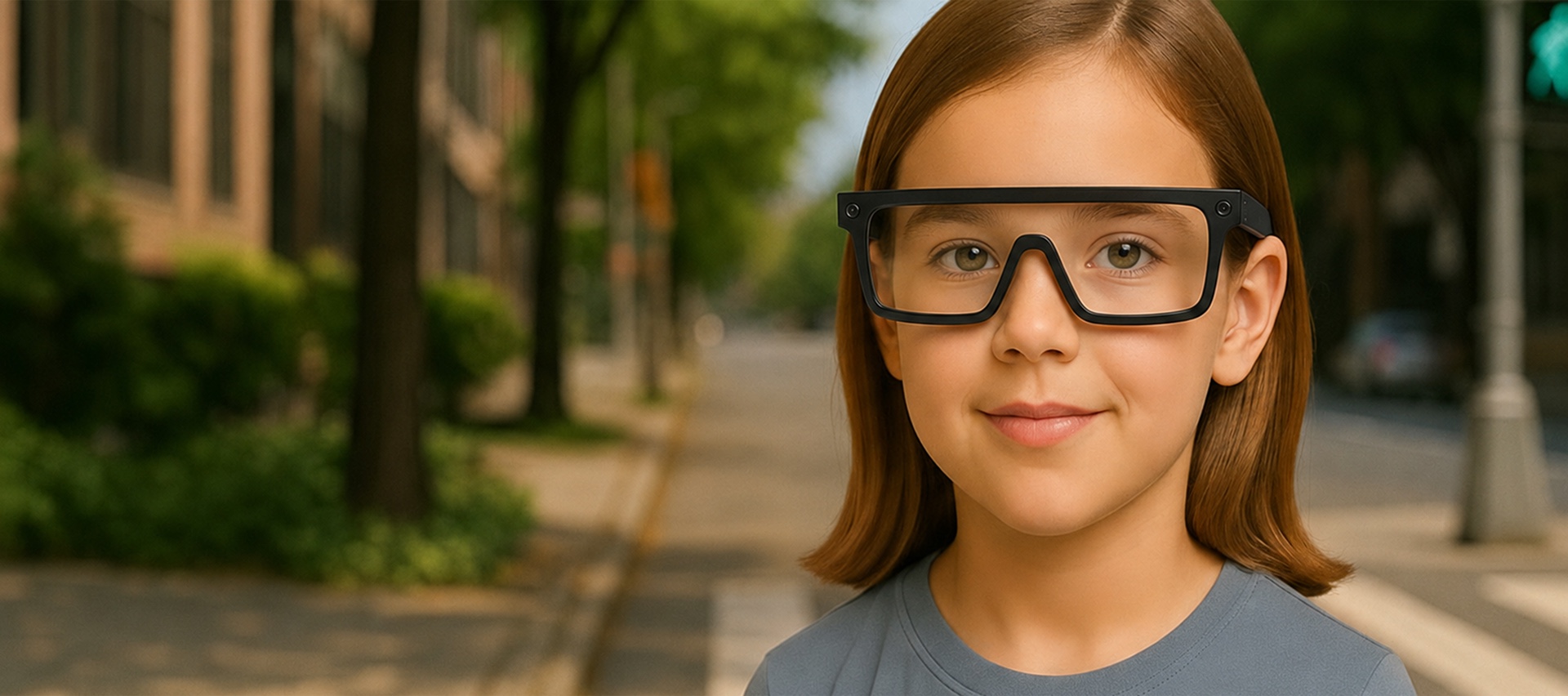
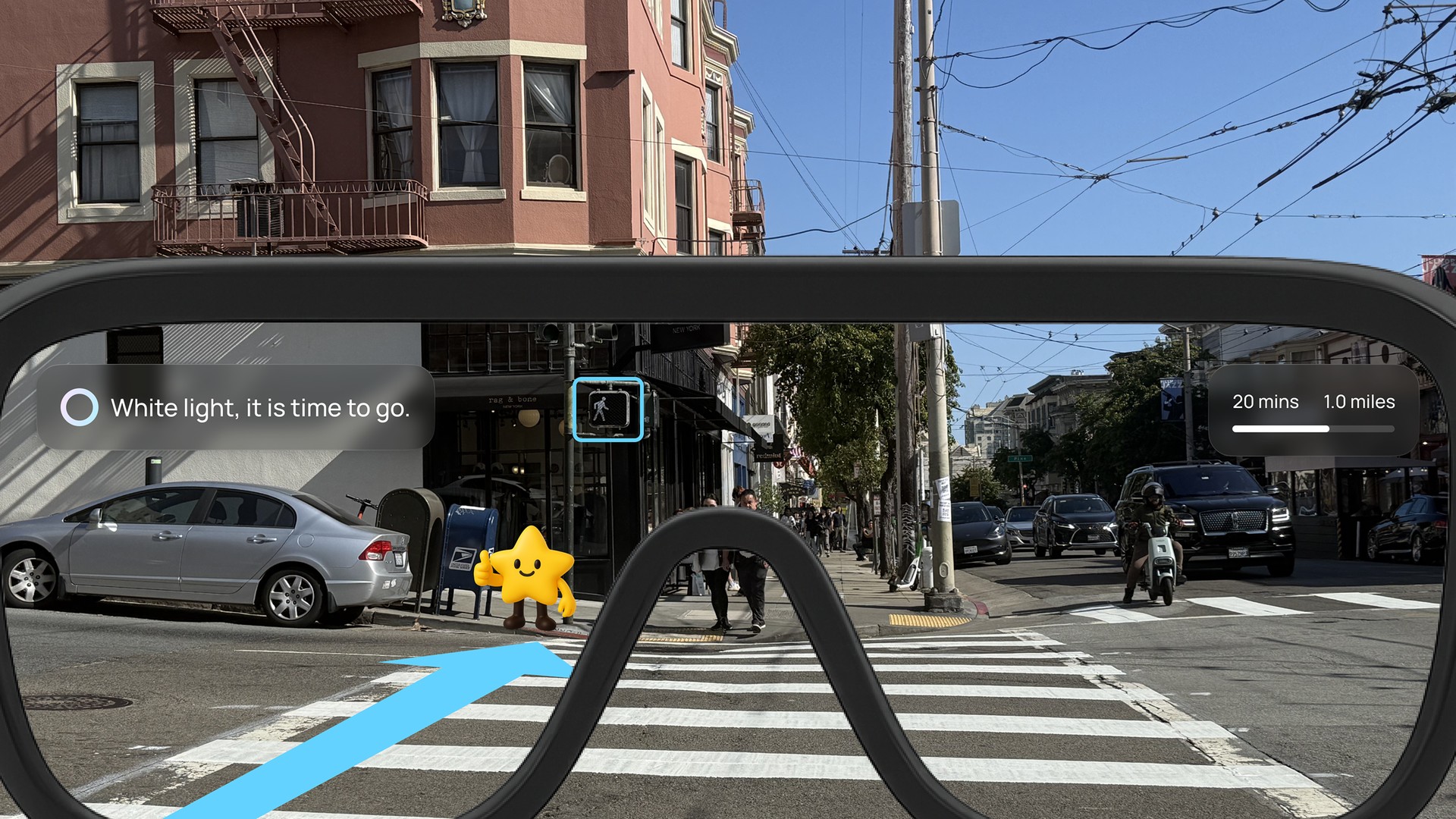
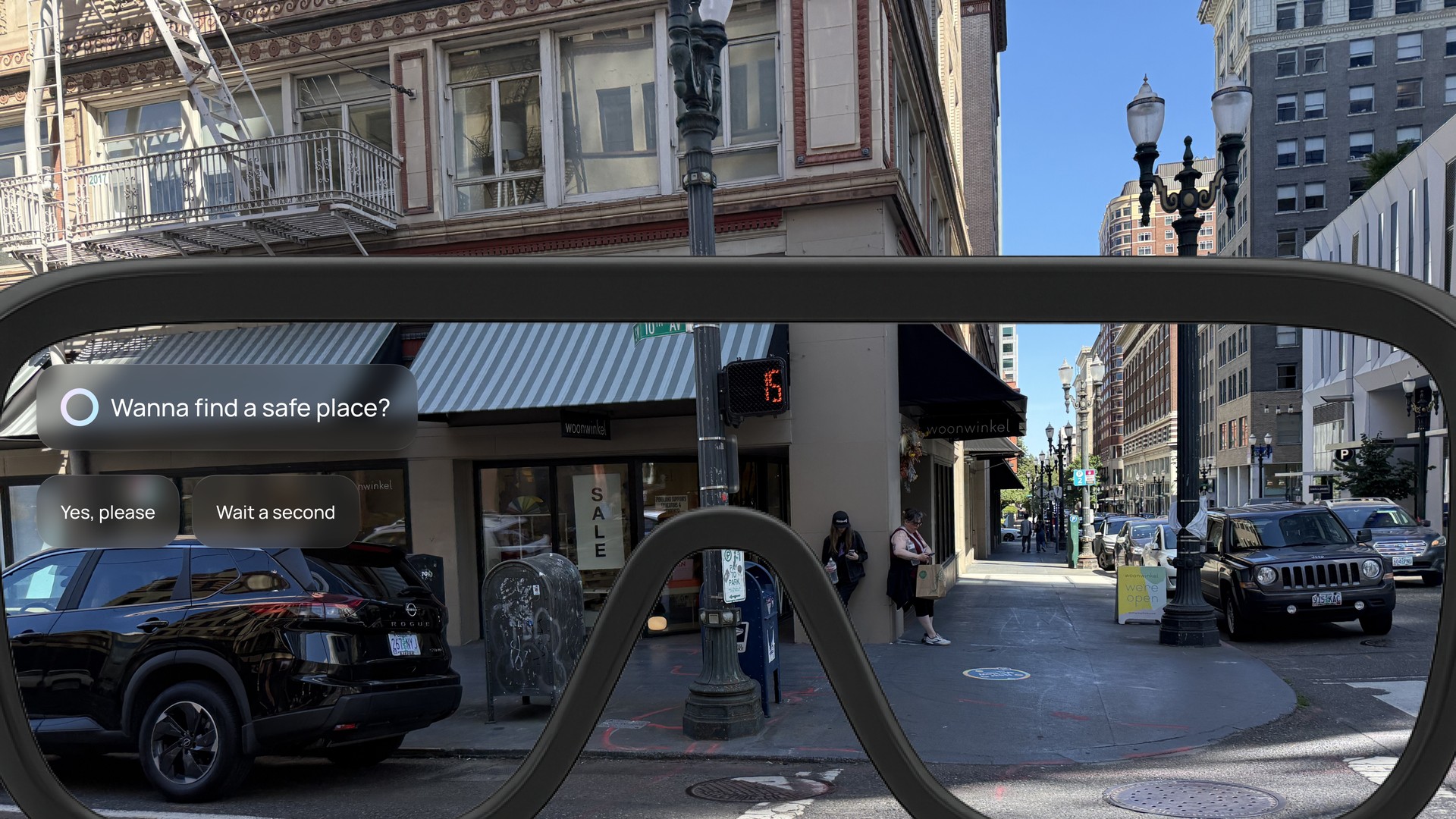
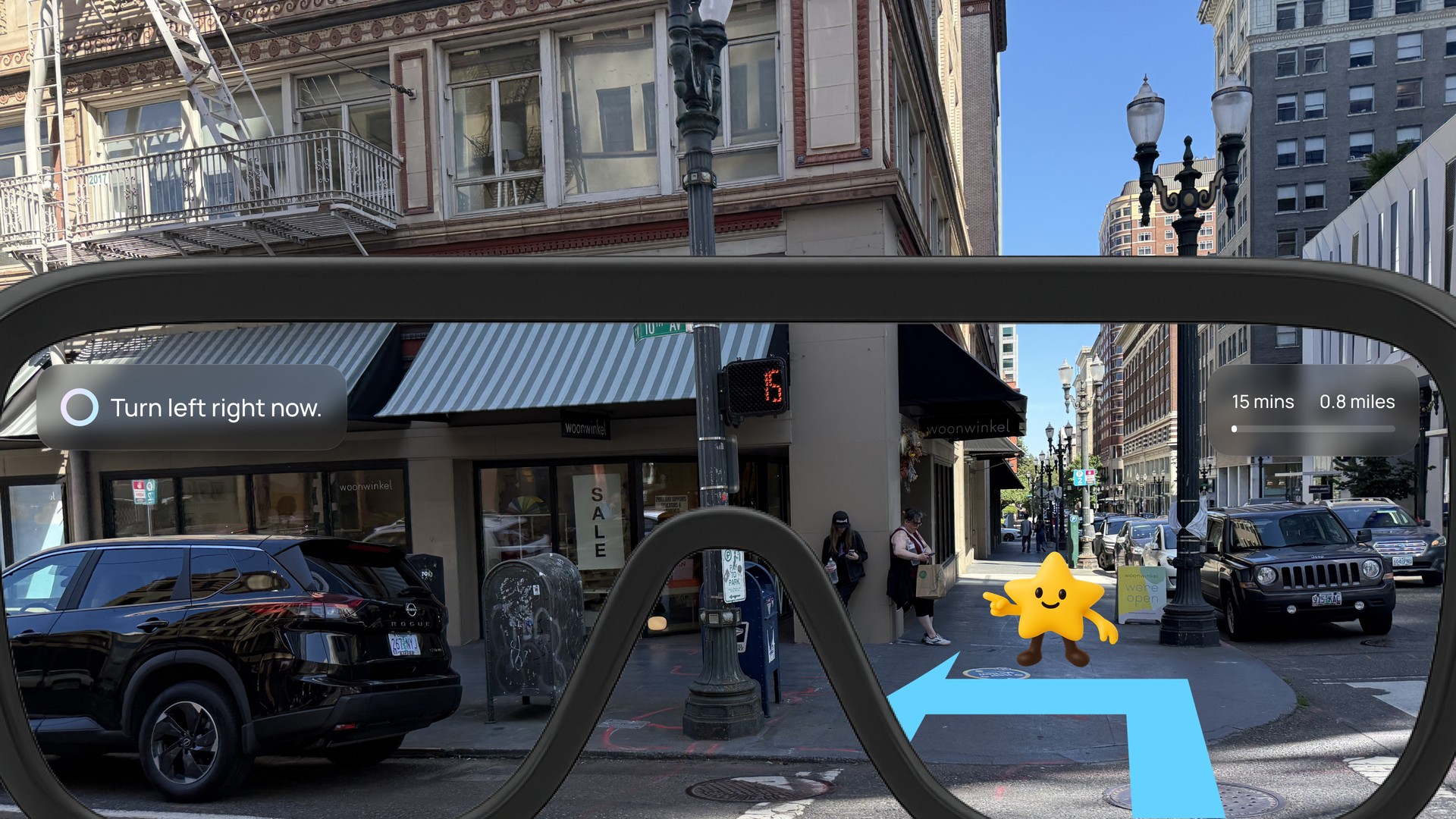
The AR glasses provide simple HUD text, responsive navigation guidelines, and a friendly mascot that guides them safely while encouraging awareness.
For parents
The companion app lets parents set up child profiles, safe zones, and emergency contacts. It sends real-time alerts if a boundary is crossed, providing reassurance without constant surveillance.
Research
Grounding the design in real experiences
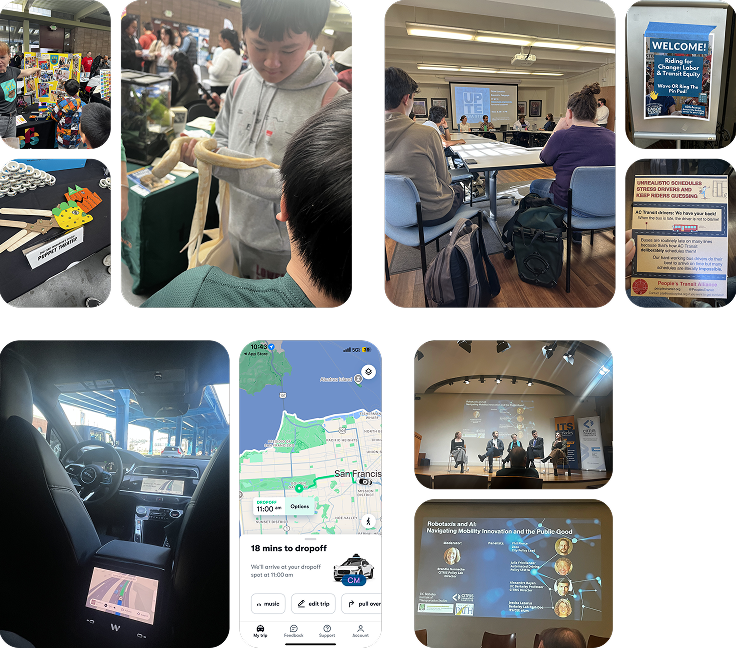
To design something child-centered, we mixed expert events, family fieldwork, parent interviews, and co-creation workshops.
The independence tension
Parents want reassurance and kids want independence. Every mobility decision sits in that tension.
System change is slow
Policy and infrastructure change over years, so families need something practical they can use now.
AR is becoming everyday
Lightweight wearables are entering everyday life, opening a window for AR that balances safety with freedom.
Evaluating potential solutions
We compared GPS trackers, mobile apps, transit training, and community escorts against five criteria. AR glasses scored strongest, a forward-looking direction since advances in AR, language models, and hardware are making it more feasible.
| Solution | Real-Time Guidance | Builds Independence | Engages Children | Reassures Parents | Futuristic Potential | Feasibility |
|---|---|---|---|---|---|---|
| GPS Tracker Watch | No | Minimal | Low | Strong | Low | High |
| Companion Mobile App | Limited | Some | Moderate | Moderate | Moderate | High |
| Public Transit Training Program | None | Strong | Moderate | Moderate | Low | Limited |
| Community Escort Program | Yes | None | Moderate | Strong | Low | Low |
| Navigation AR Glasses | Yes | Strong | High | Strong | High | Moderate |
Competitive analysis across Meta, Snap, and Apple
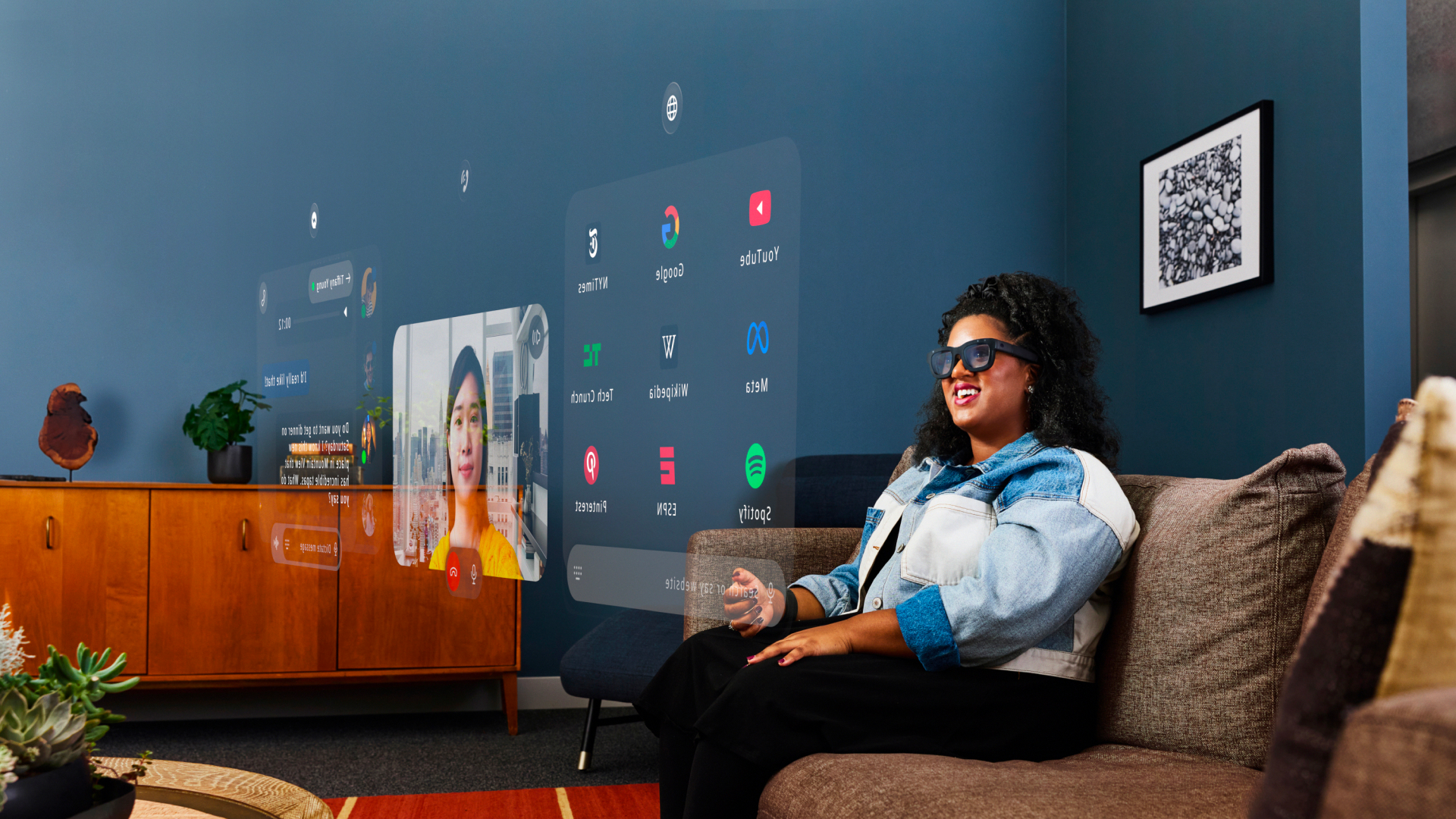
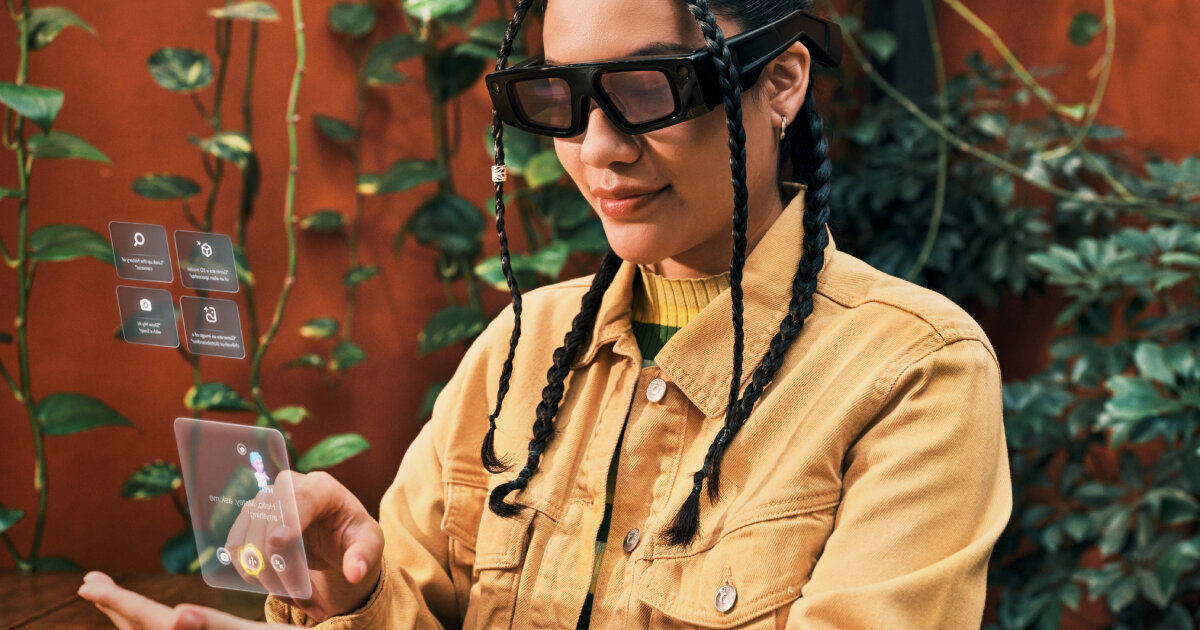
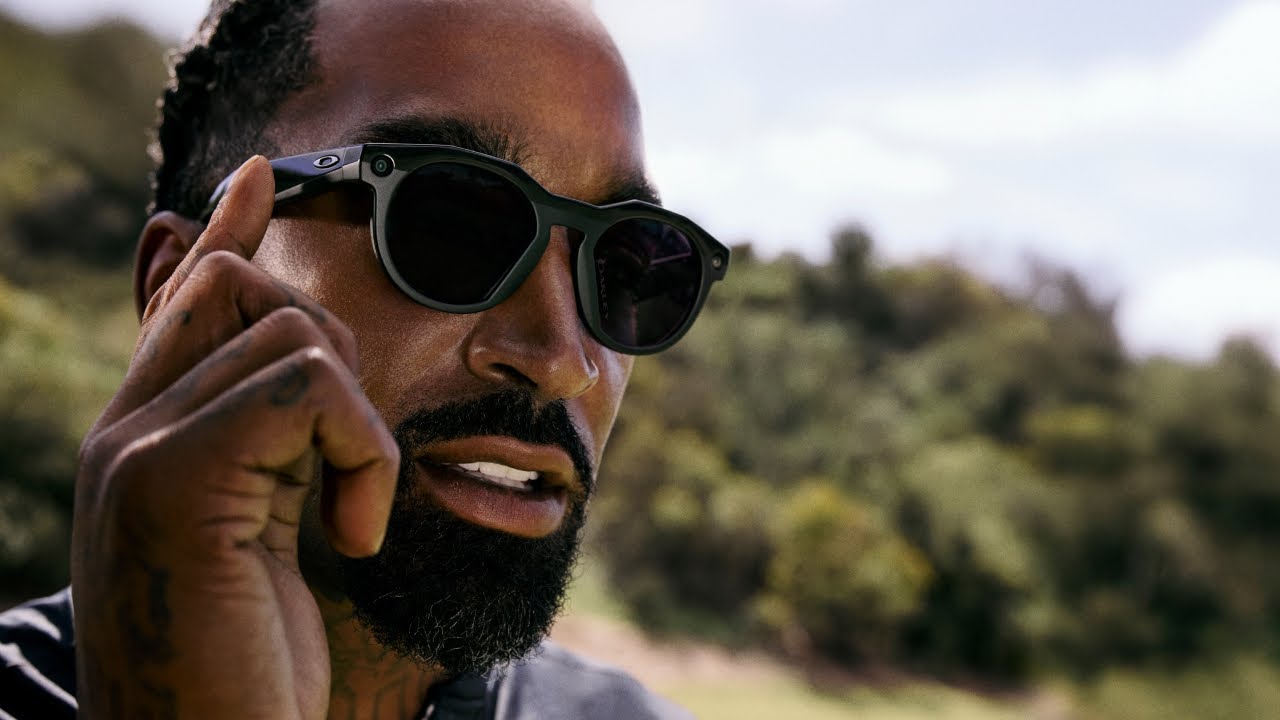
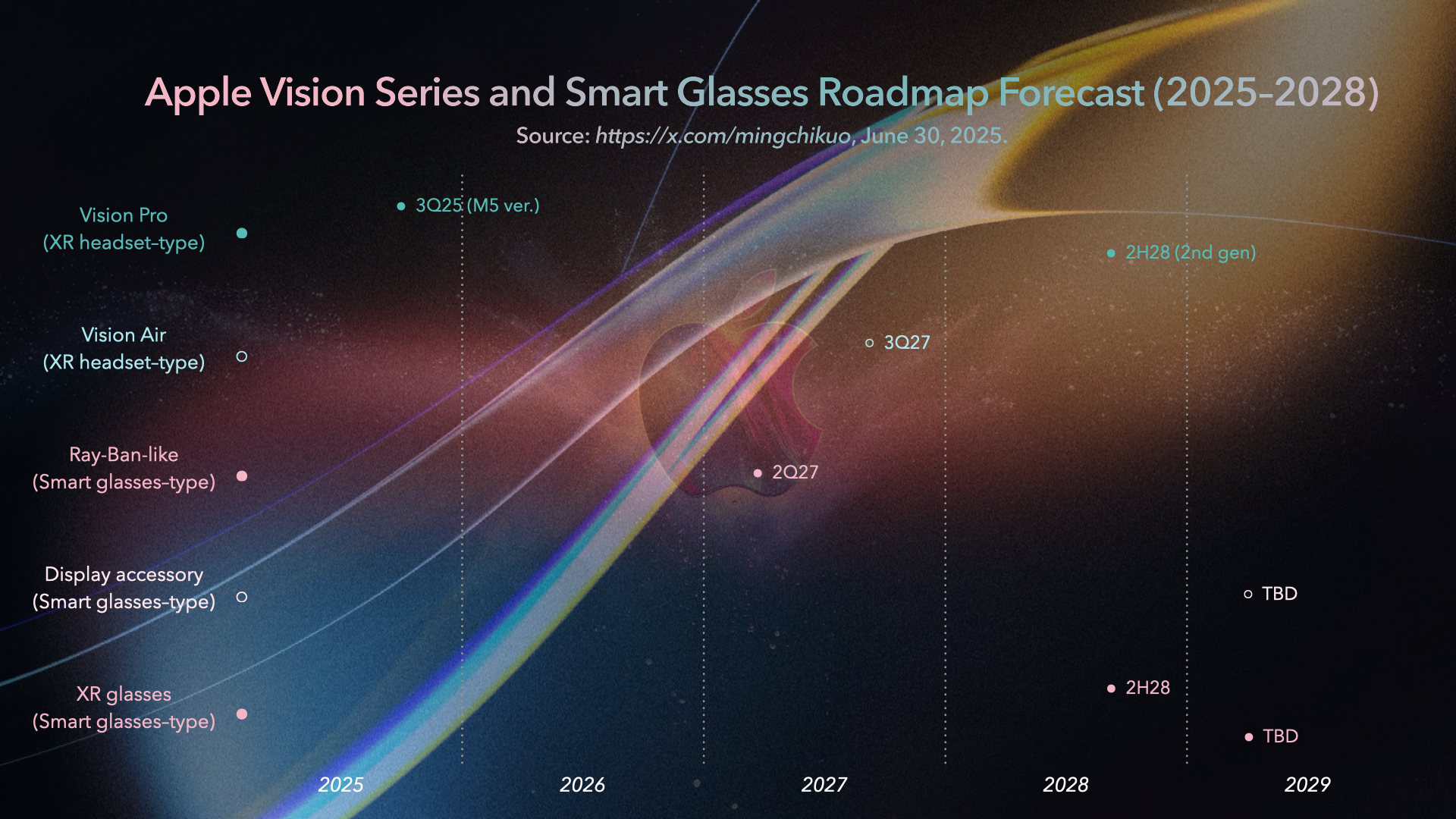
Once we aligned on AR glasses as a promising direction, we conducted a competitive analysis of Meta, Snap, and Apple to better understand the hardware landscape, interaction methods, and long-term trends. This helped us define a focused product roadmap grounded in current feasibility and future opportunity.
The next computing platform
AR glasses are emerging as the next computing platform, with serious investment from Meta, Snap, and Apple.
Interactions still maturing
Voice and gesture lead today; reliable display overlays are still two to three years out.
Software, not hardware
UNICEF should not build AR glasses. A device-agnostic software layer stays relevant as the hardware ecosystem evolves.
Four things at once
The glasses had to guide a child through public space safely, build independence rather than dependence, reassure a parent when needed, and stay simple enough for everyday use.
Design Challenge
Presenting information clearly without overwhelming the user
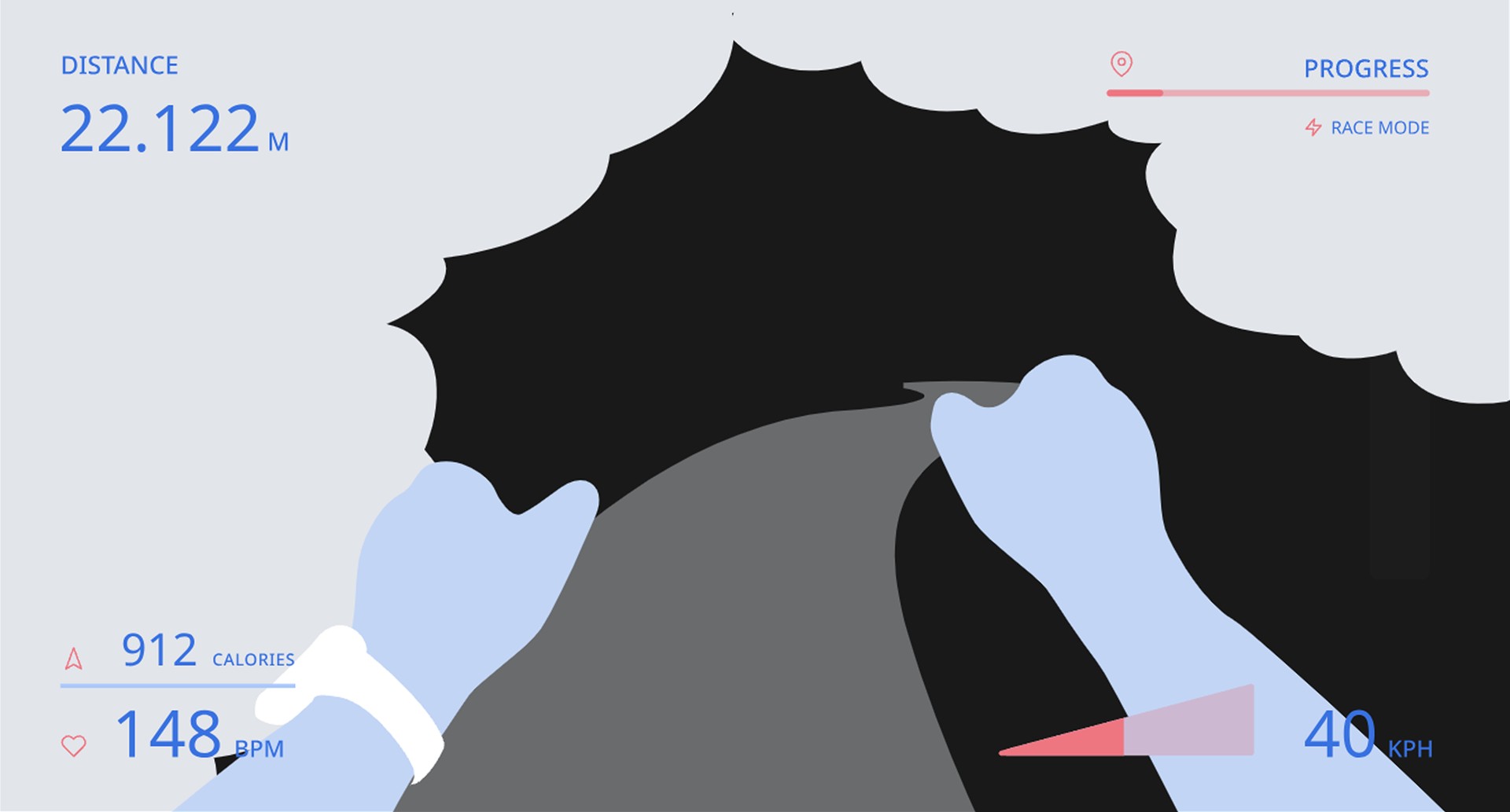
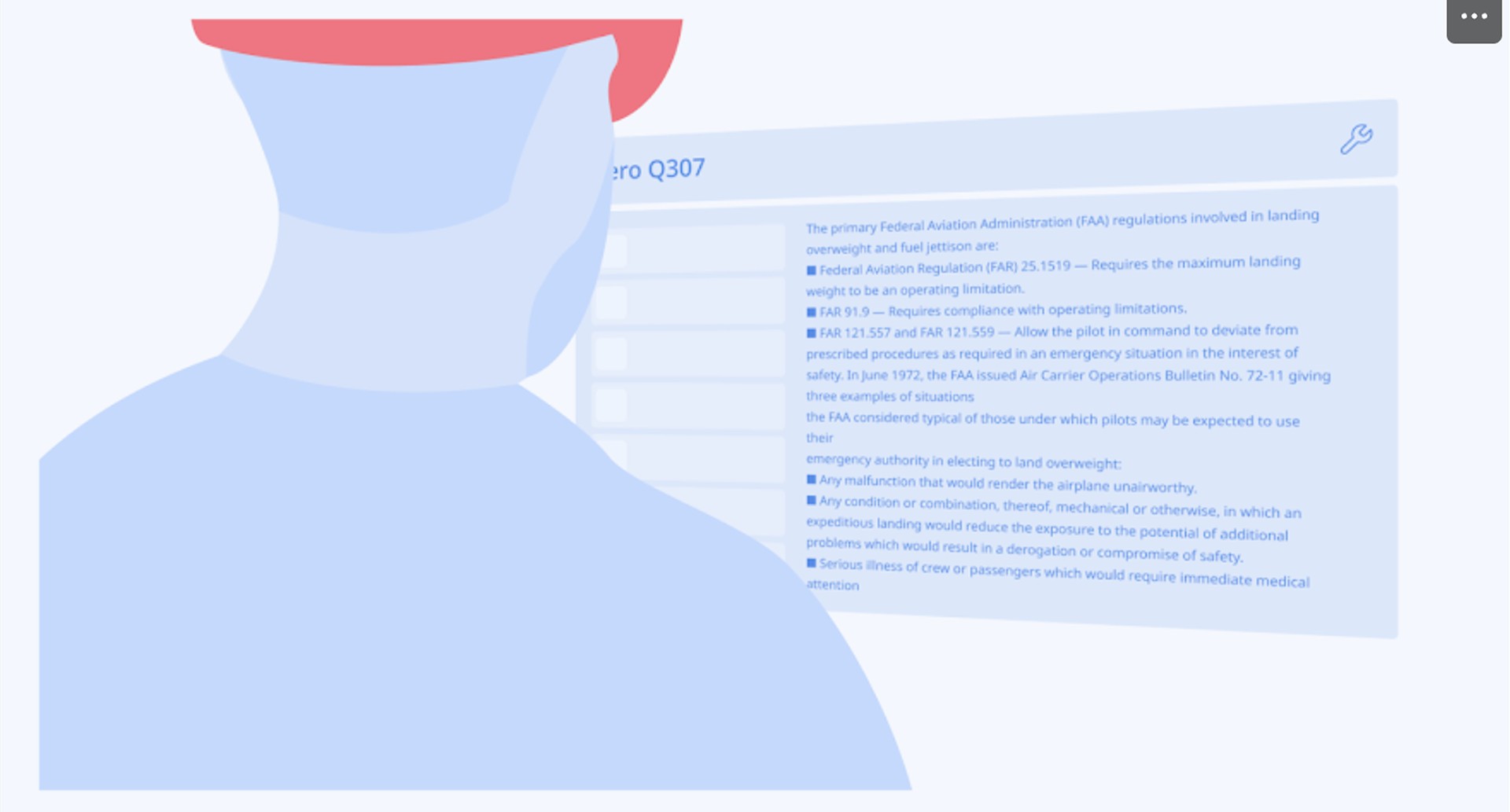
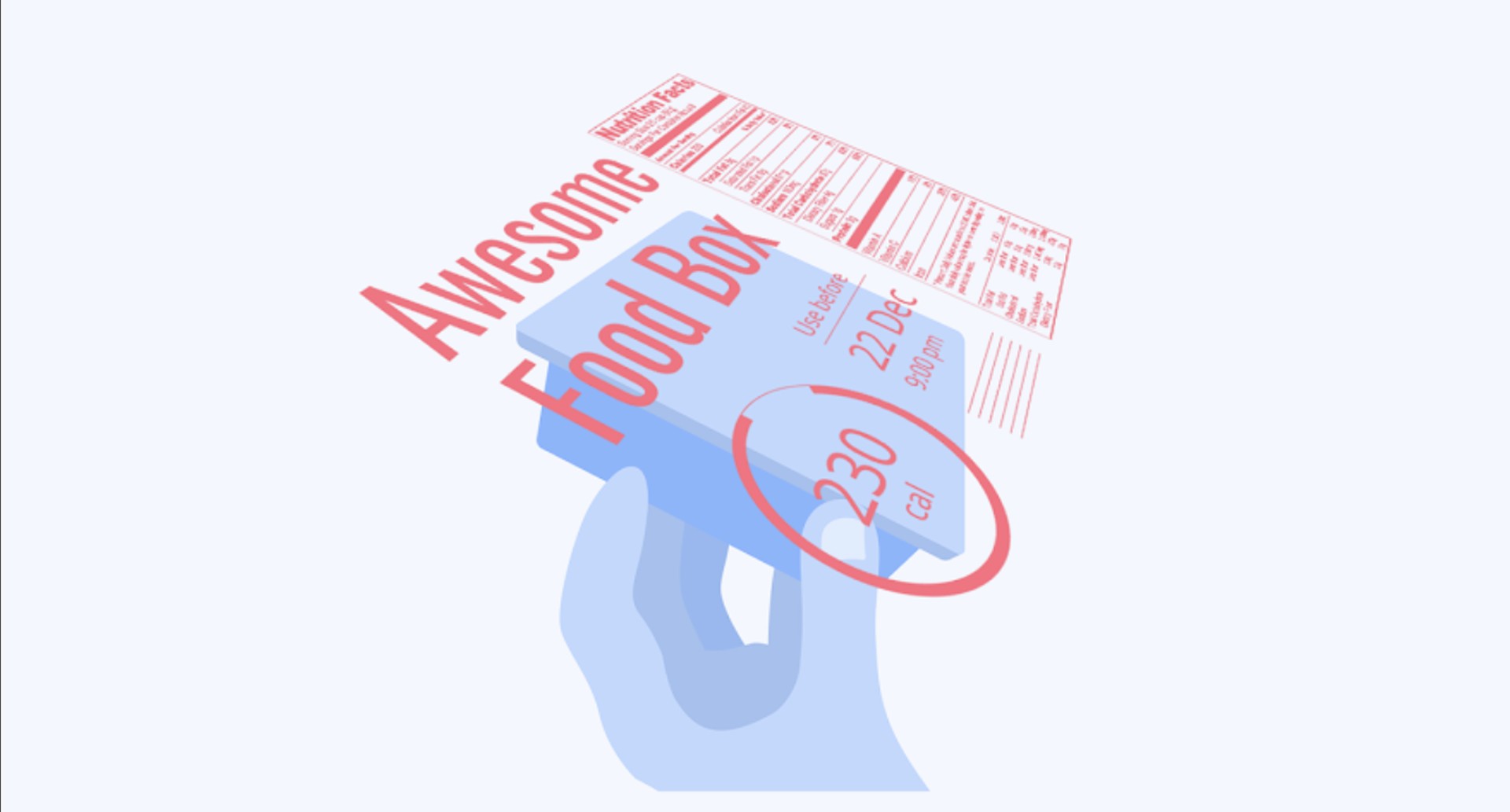
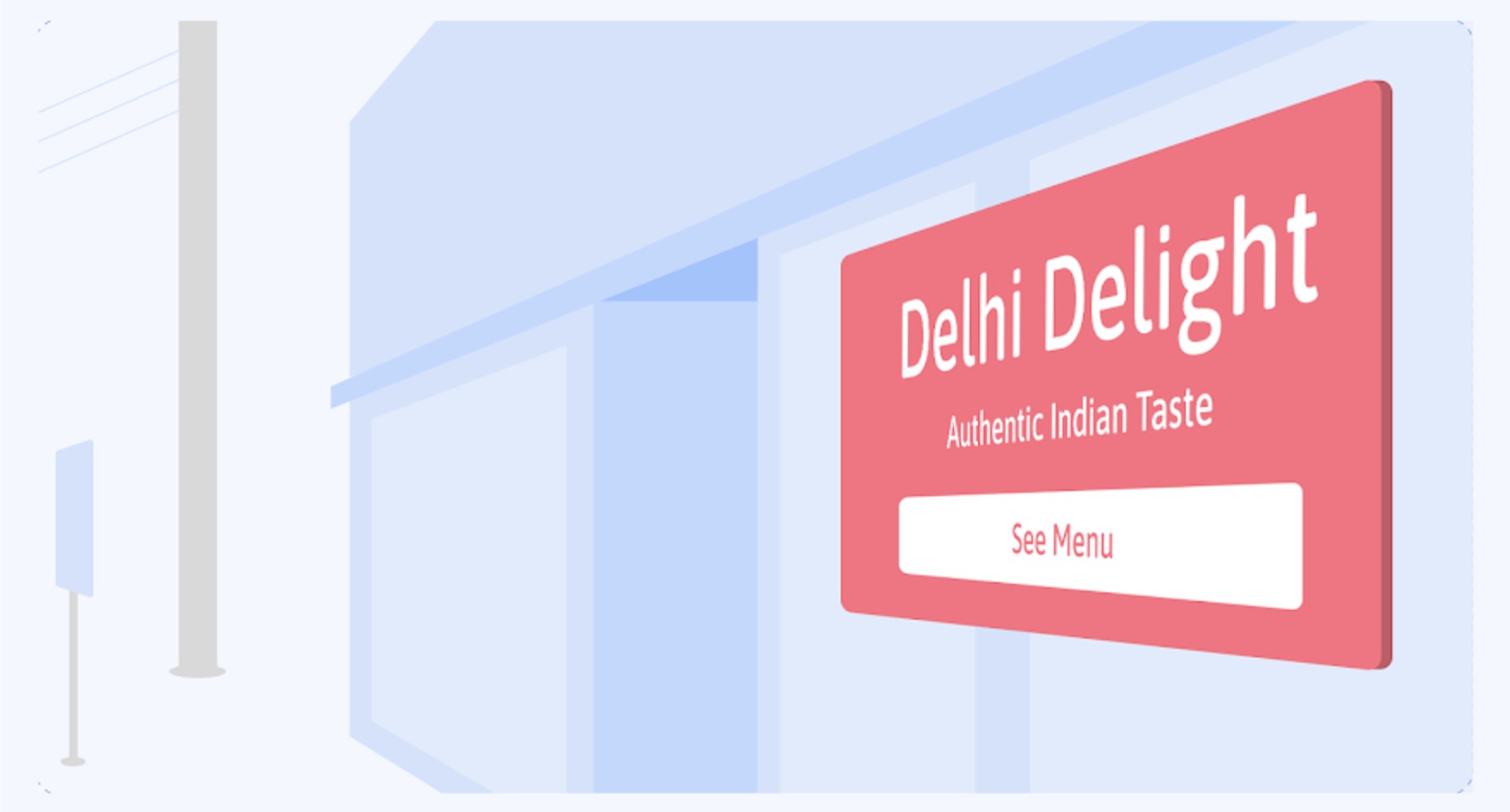
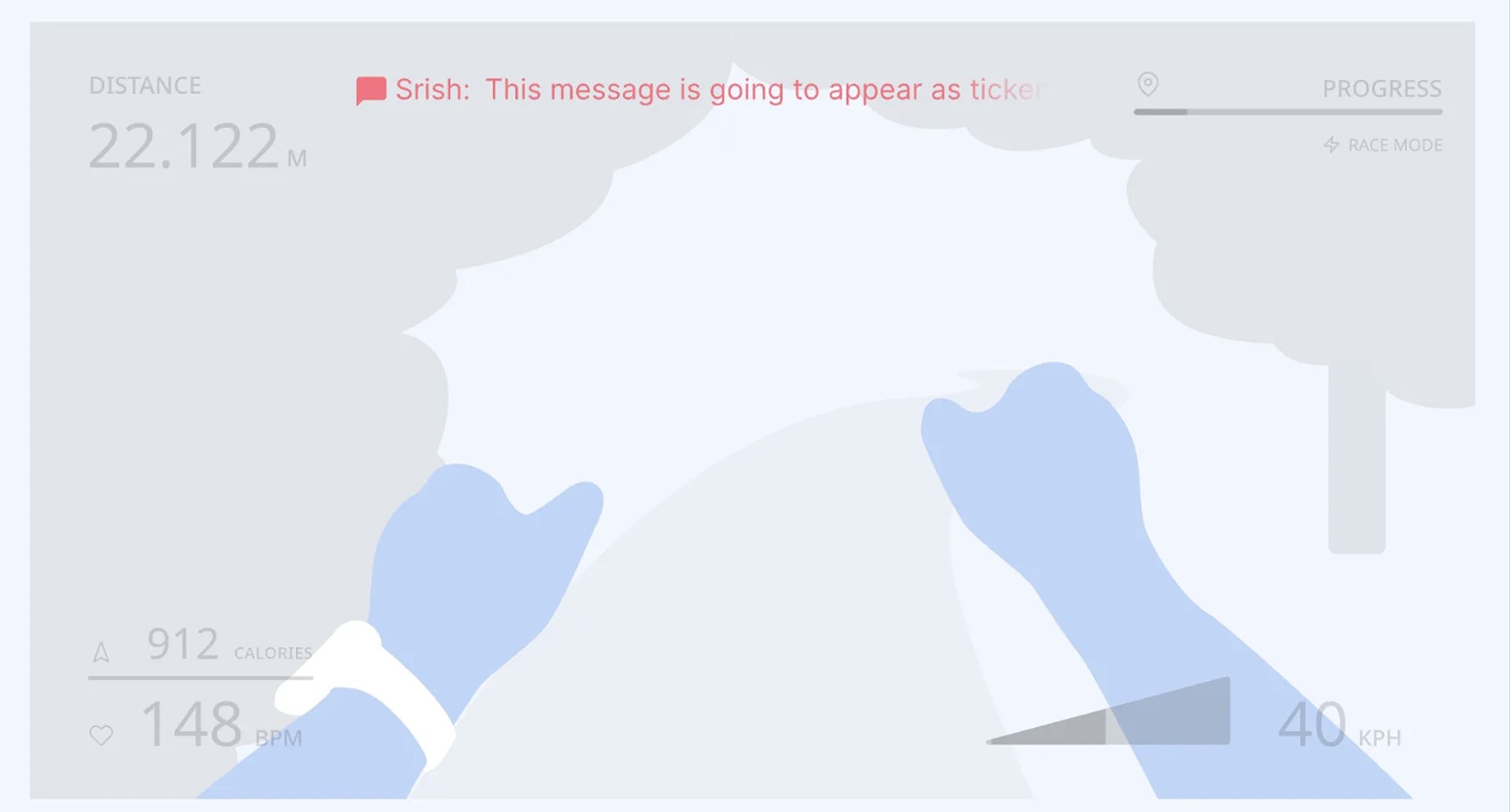
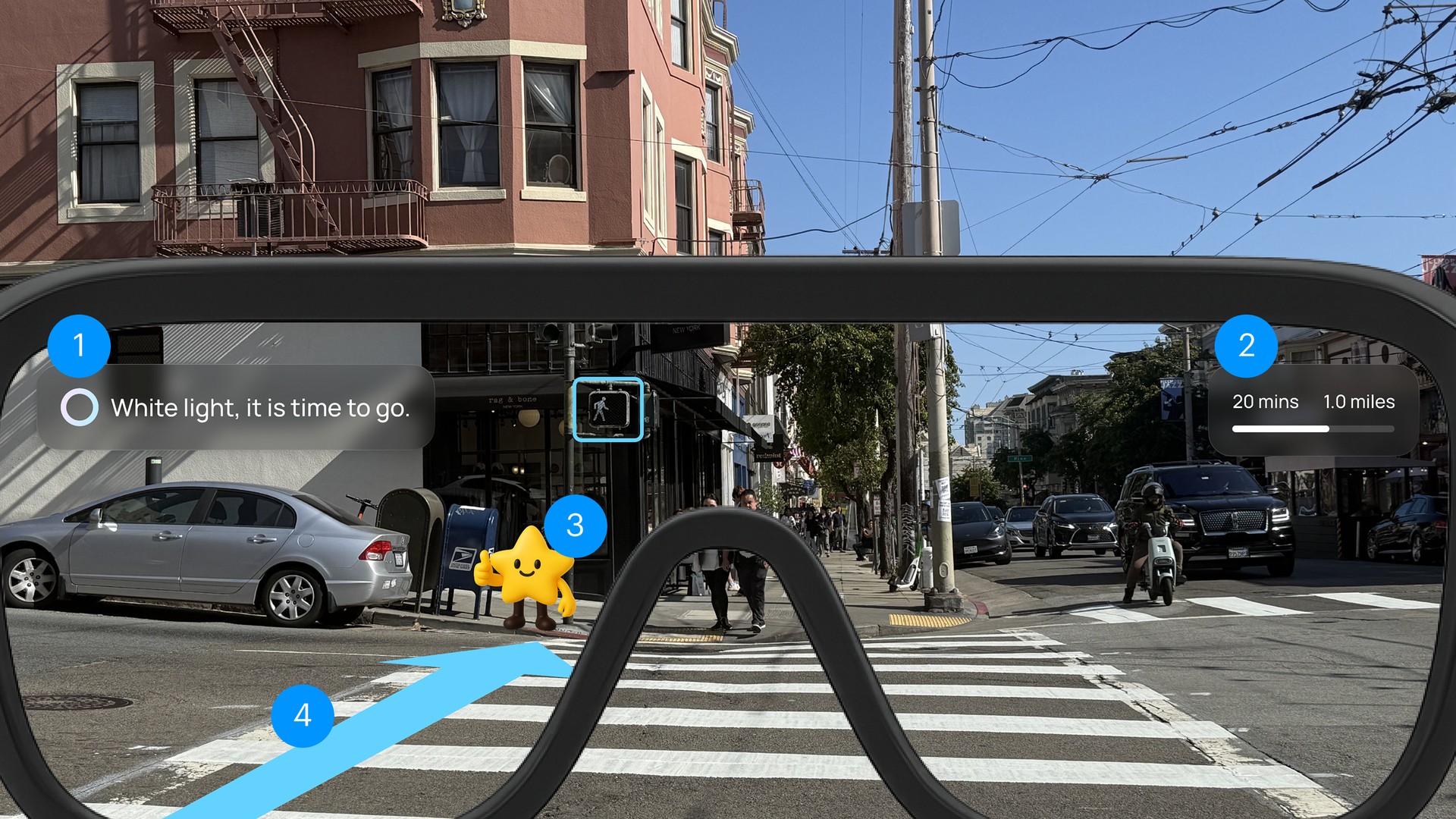
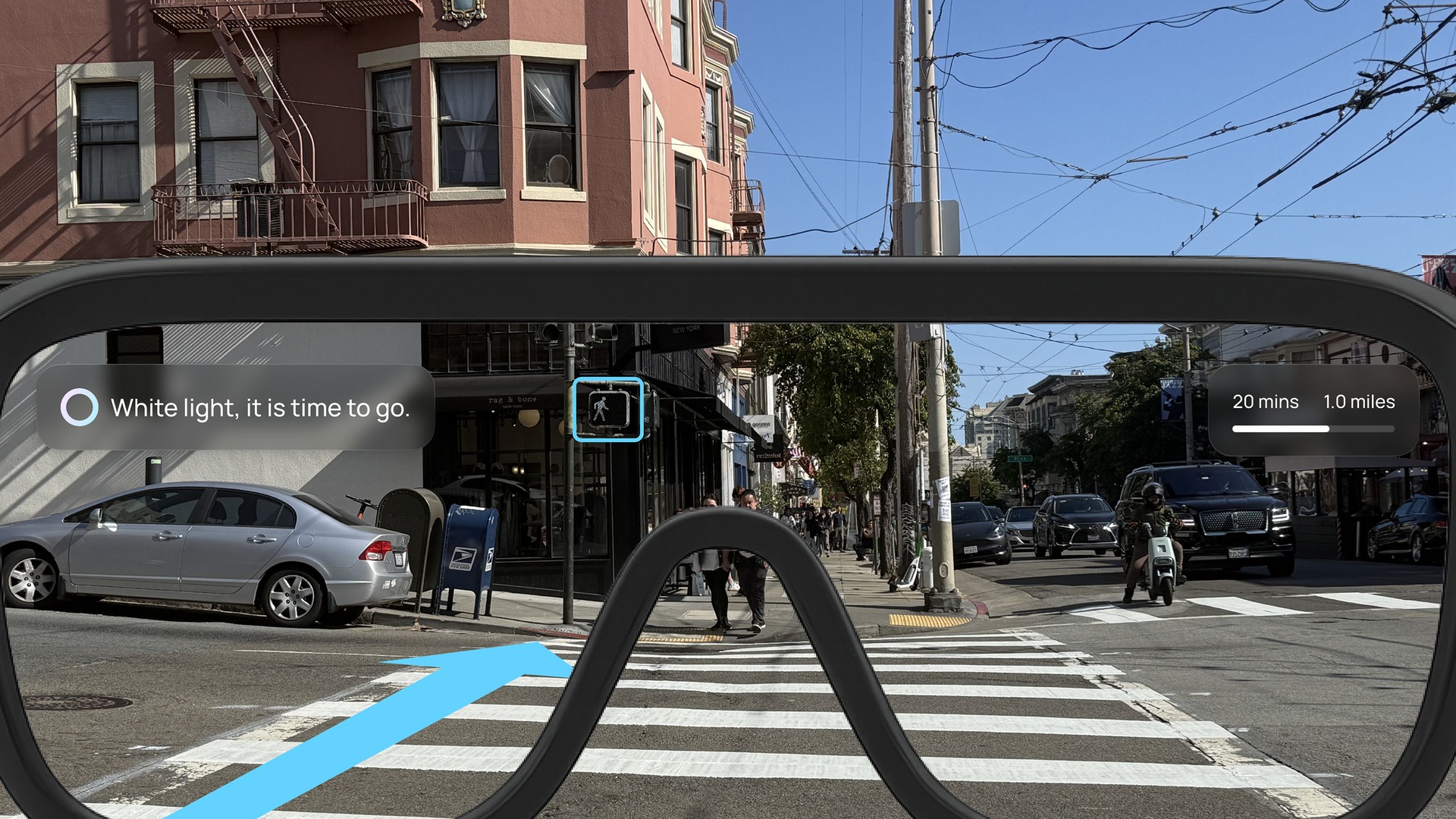
I explored different AR text display styles to understand how much information children can process while staying aware of their surroundings. Based on this study, I chose HUD text as the primary approach. It keeps distance, time, and alerts in fixed positions, which makes them stable, easy to read, and always visible without blocking the main view.
HUD Text
Text for Long Reading
Sticky Info Text
Signage Text
Responsive Text
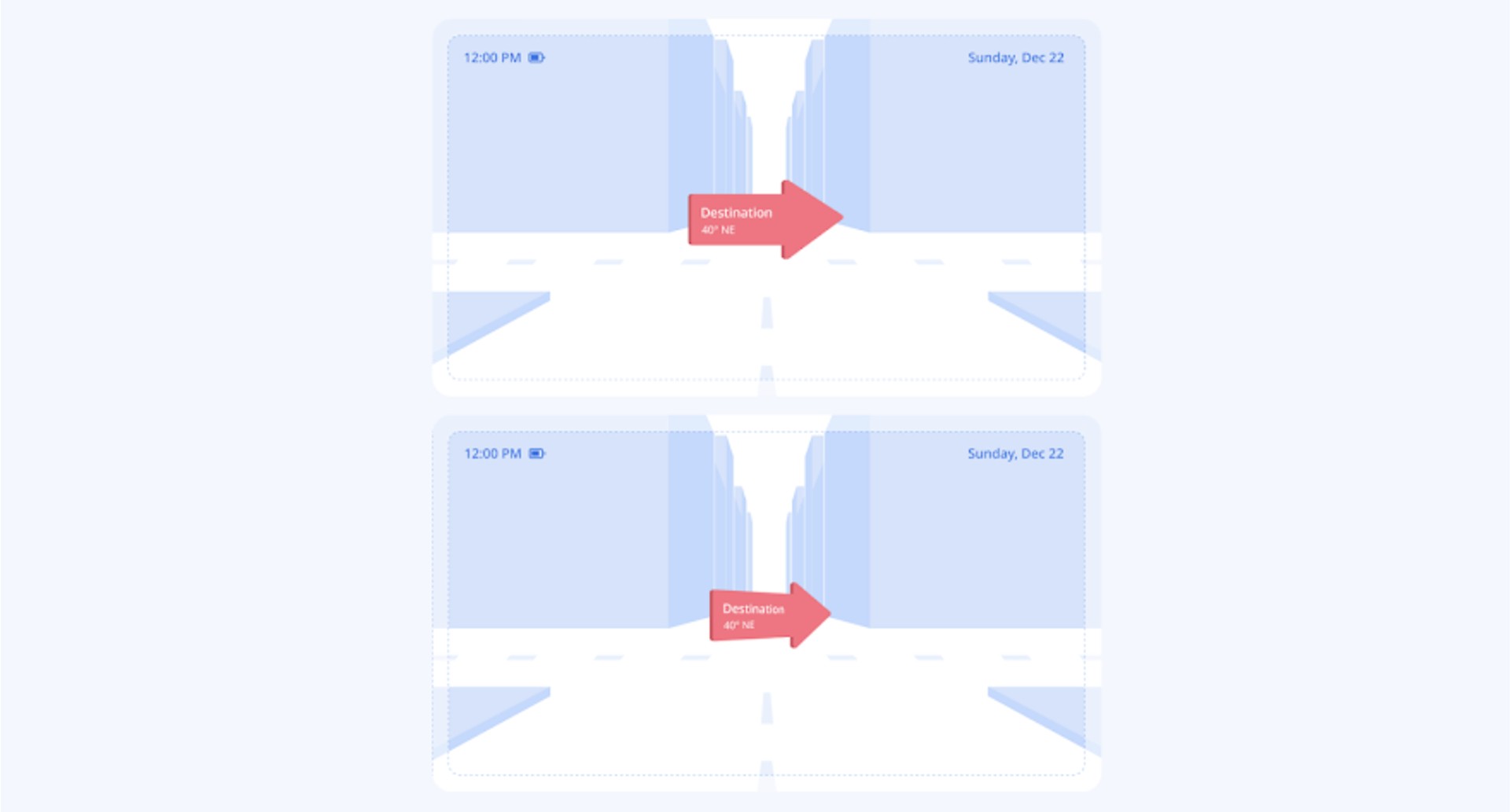
Ticker Text
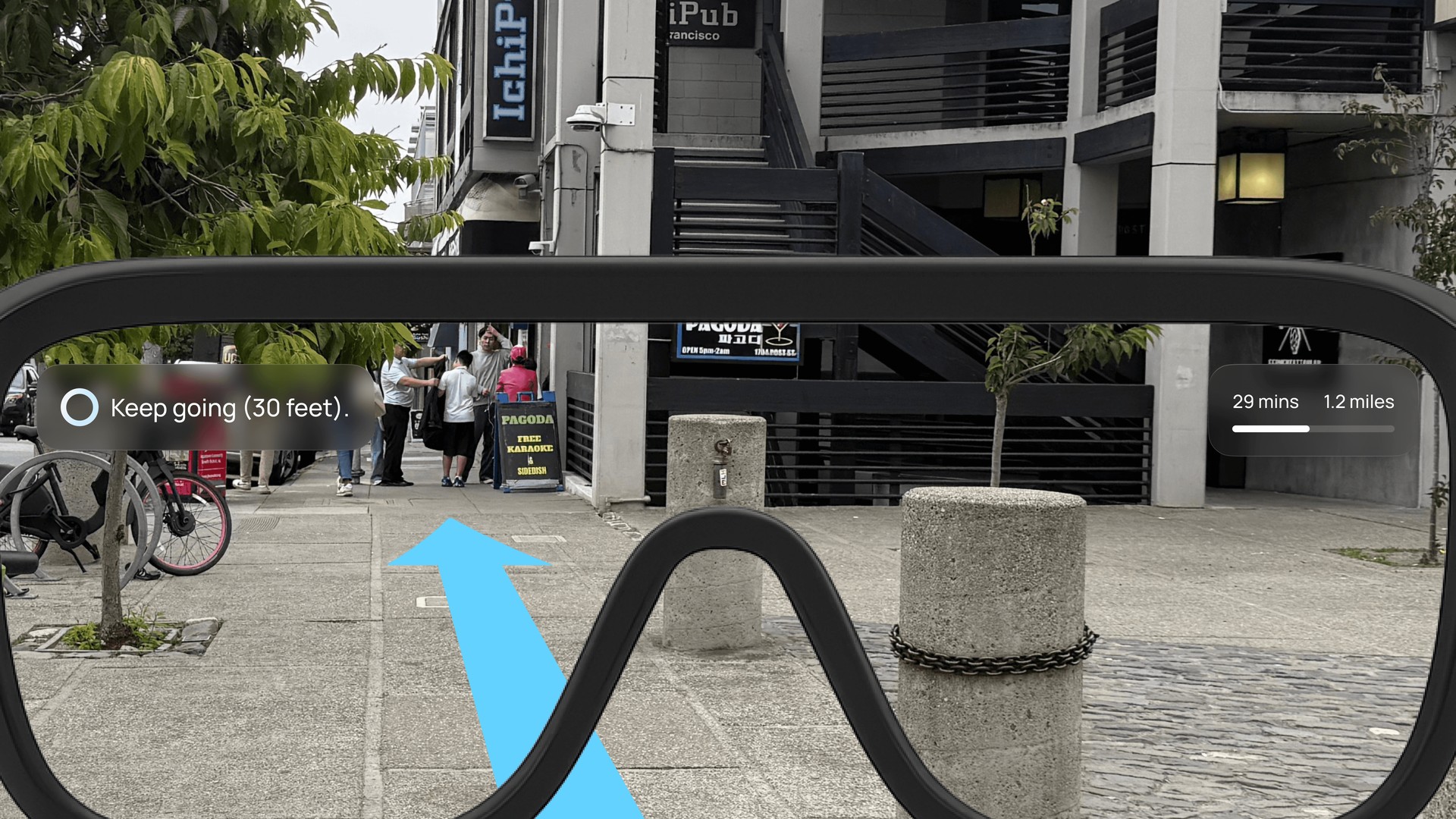
- 1HUD Text (Left): Clear alert in a stable position.
- 2HUD Text (Right): Estimated time and distance stay fixed, always visible.
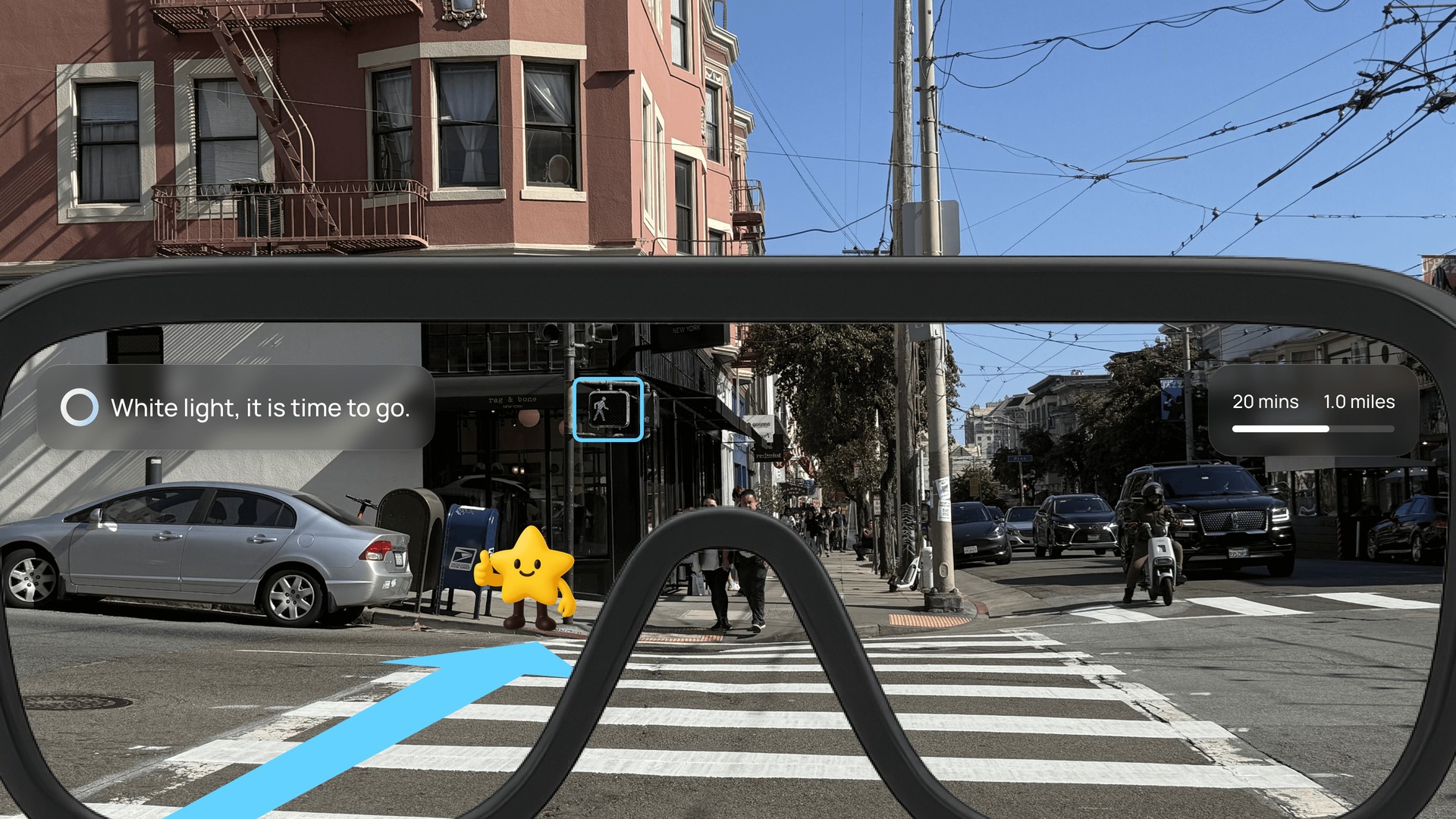
- 3Mascot (Nova): Child-friendly companion for guidance.
- 4Navigation Path: Responsive guide that adapts to movement.
"I want my child to get directions, but not so much text that they lose focus on the road." · Parent, usability test
Design Challenge
Some parents wanted full tracking. The children would not wear the glasses if they got it.
We designed the child experience first, with simple navigation cues and hazard alerts, and testing showed parents still felt uneasy. Some asked for full real-time tracking. The children said the opposite, that they would not wear the glasses if every step was visible. The feature that would win the parent over would cost us the wearer. So real-time tracking became a setting parents can turn on, safe zones stayed the default, and alerts fire only when a boundary is crossed.


"I want my child to feel trusted, but I still need to know if they go somewhere unsafe." · Parent, usability test
Design Challenge
Making the experience engaging without distraction
A key challenge was keeping the AR interface simple enough for children to follow while still engaging. Minimal colors and clean visuals reduced distractions but risked feeling too plain.
To address this, we introduced Nova, a friendly mascot. Nova means "new star," symbolizing guidance and growth, while also aligning with UNICEF's mission to support children. With strong color contrast, playful clarity, and a reassuring presence, Nova makes the experience engaging without overwhelming kids or distracting from their surroundings.
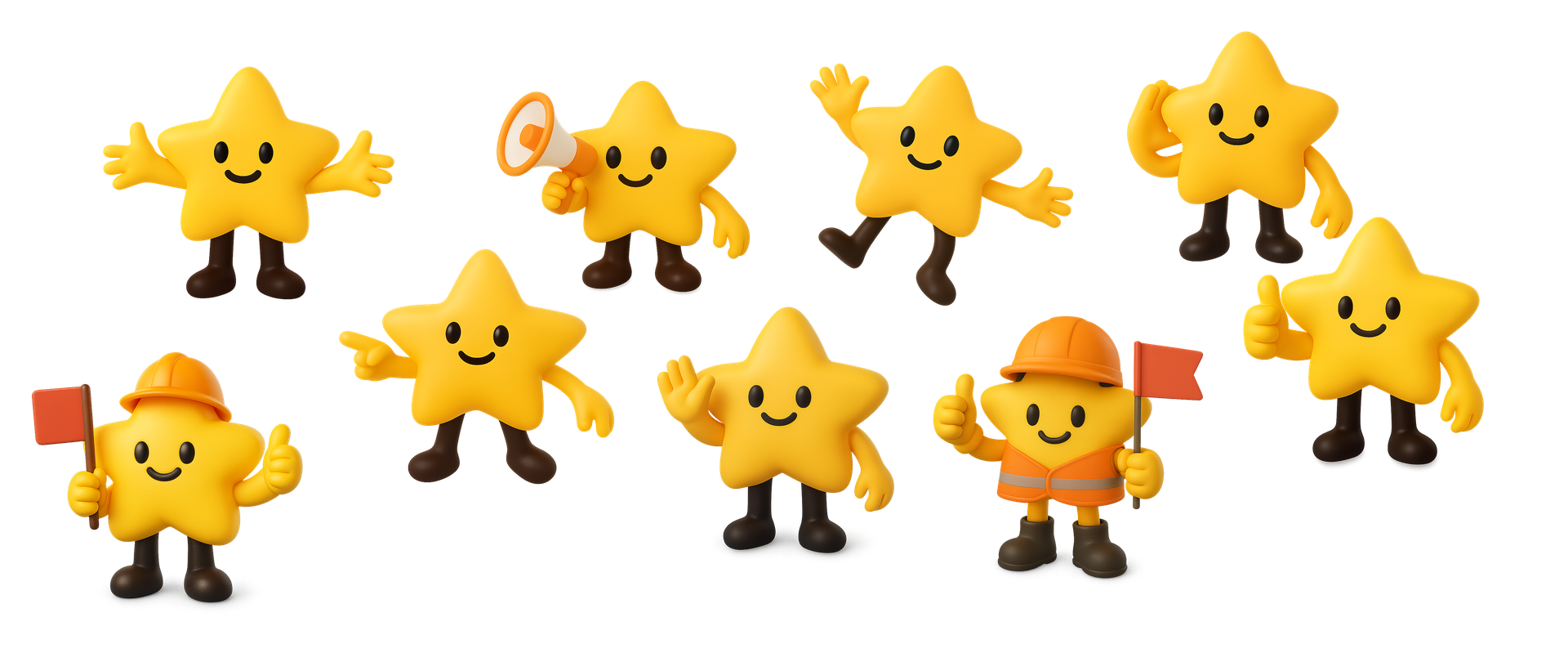
"My daughter actually wanted to wear the glasses because of Nova. That's a first." · Parent, usability test
Usability Testing
Iterative feedback to refine the experience
Over a one month prototype sprint, we tested with 20 parents, sometimes together with their children. Their feedback sharpened the navigation cues, the safety alerts, and the companion app setup, and it pushed the hardware concept toward thinner, more child-friendly glasses.
Final Design
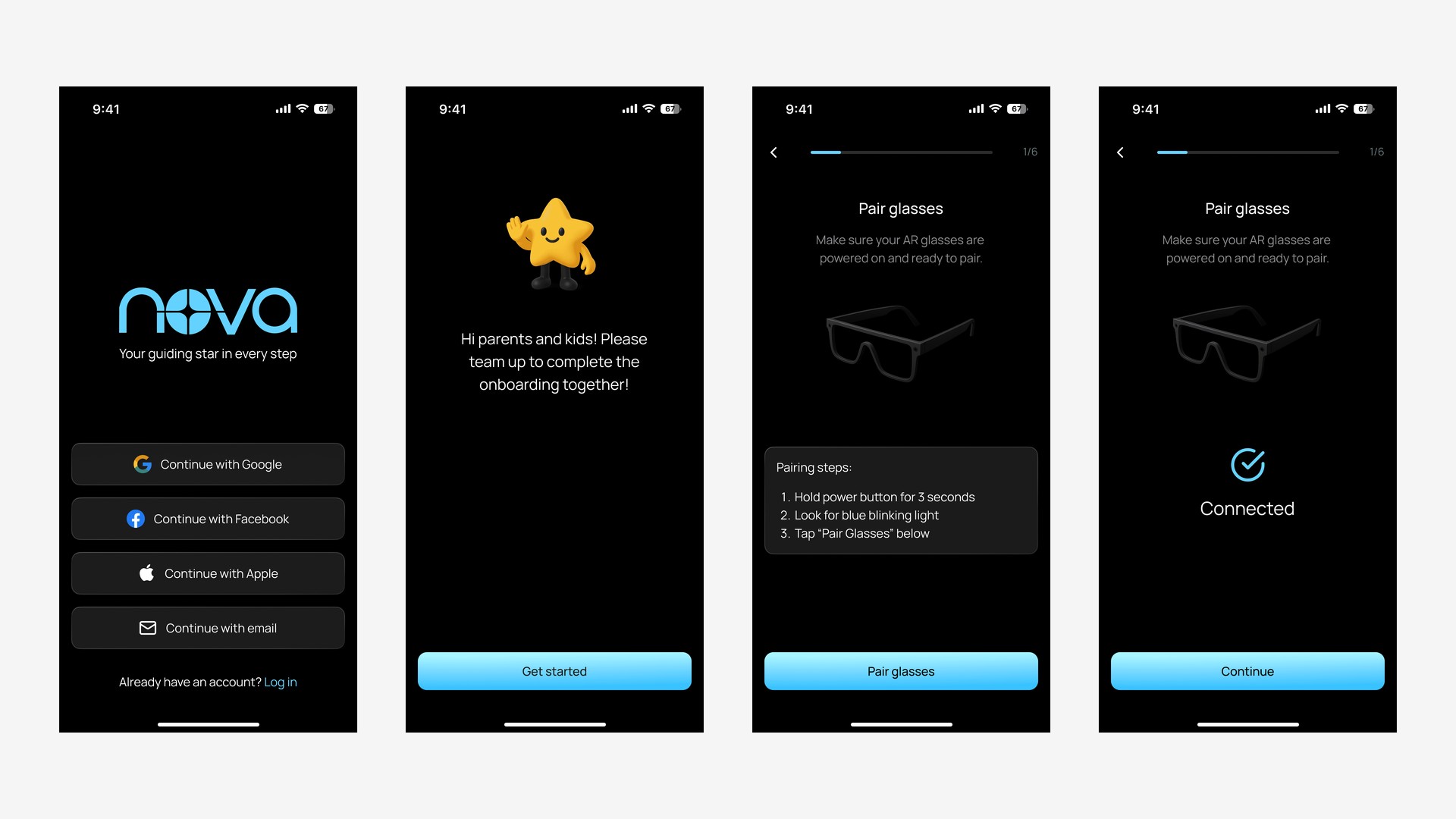
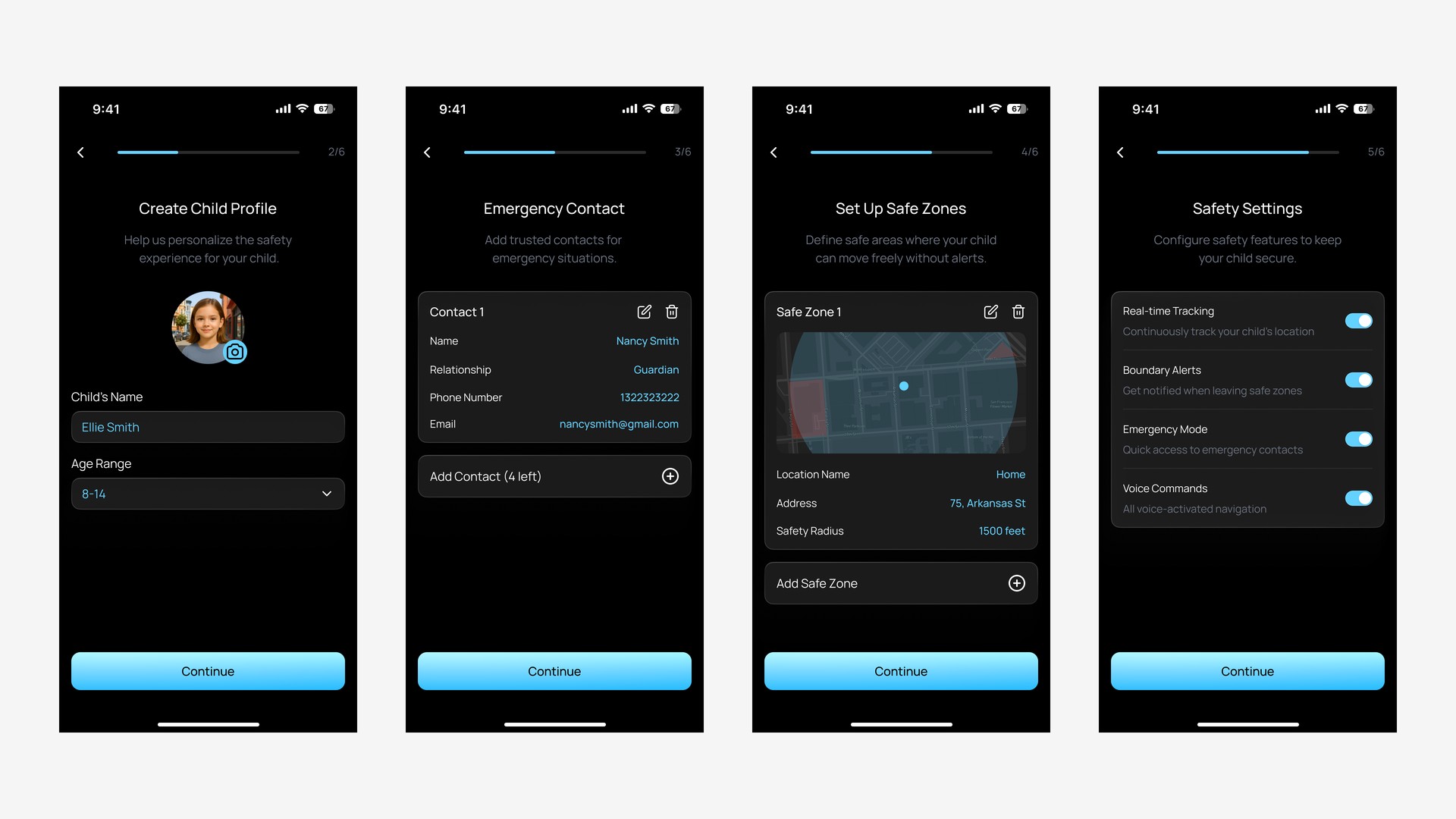
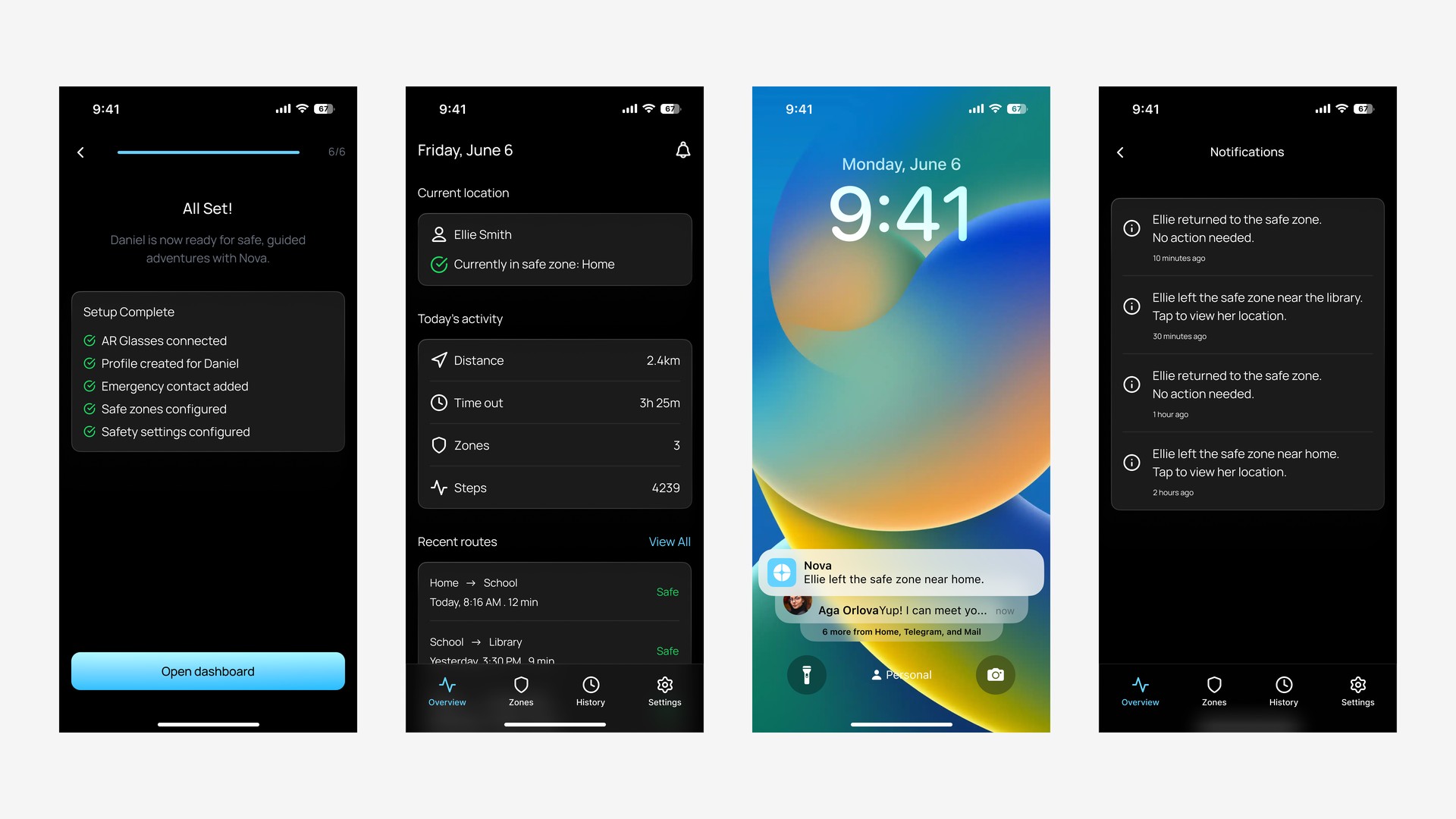
Companion app onboarding
Through the companion app, parents connect the AR glasses, set up a child profile, add emergency contacts, and define safe zones like home or school. Once setup is complete, they can monitor their child's location in real time and receive alerts if the child leaves a safe area. This supports independent navigation while keeping parents reassured.
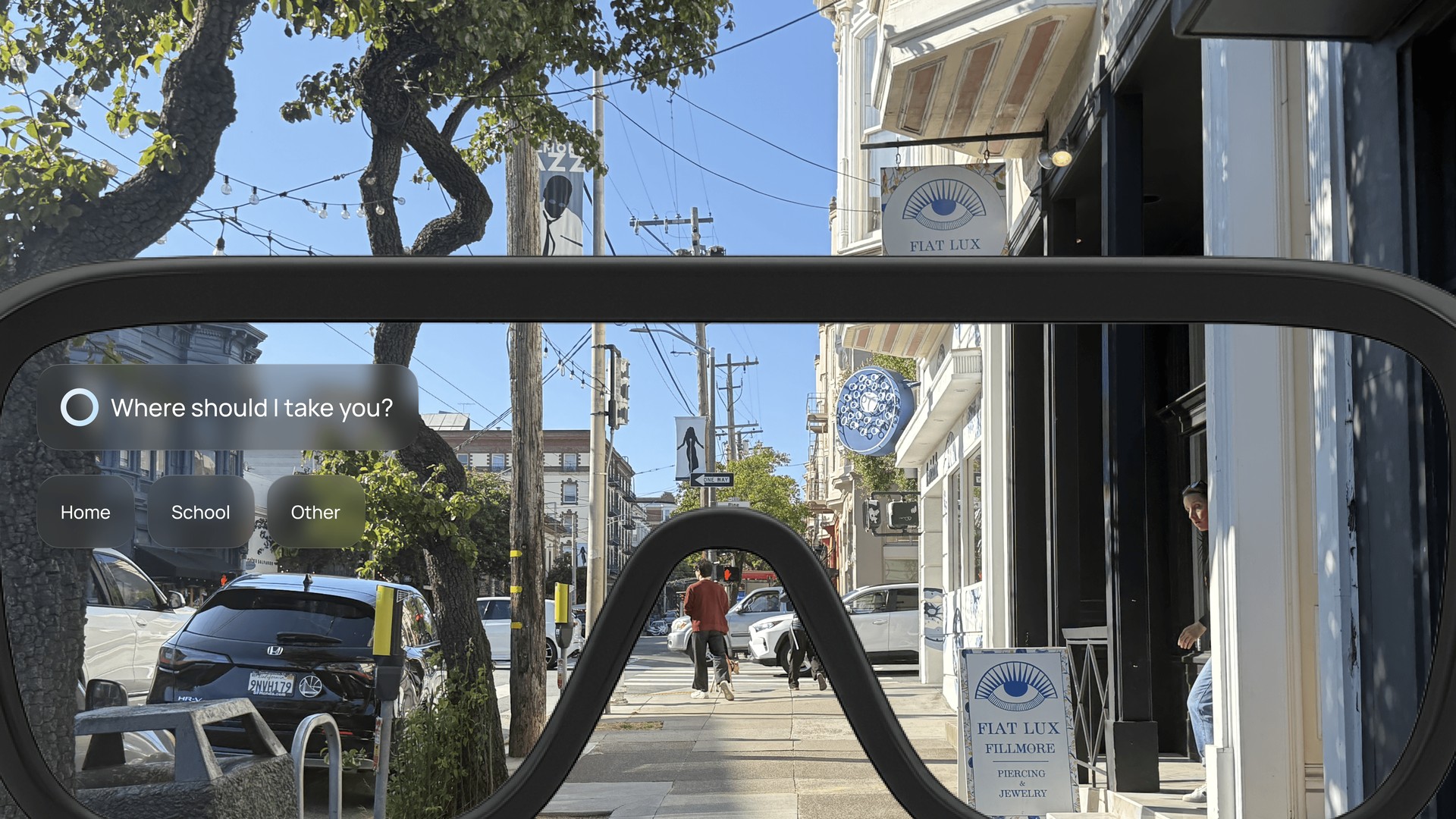
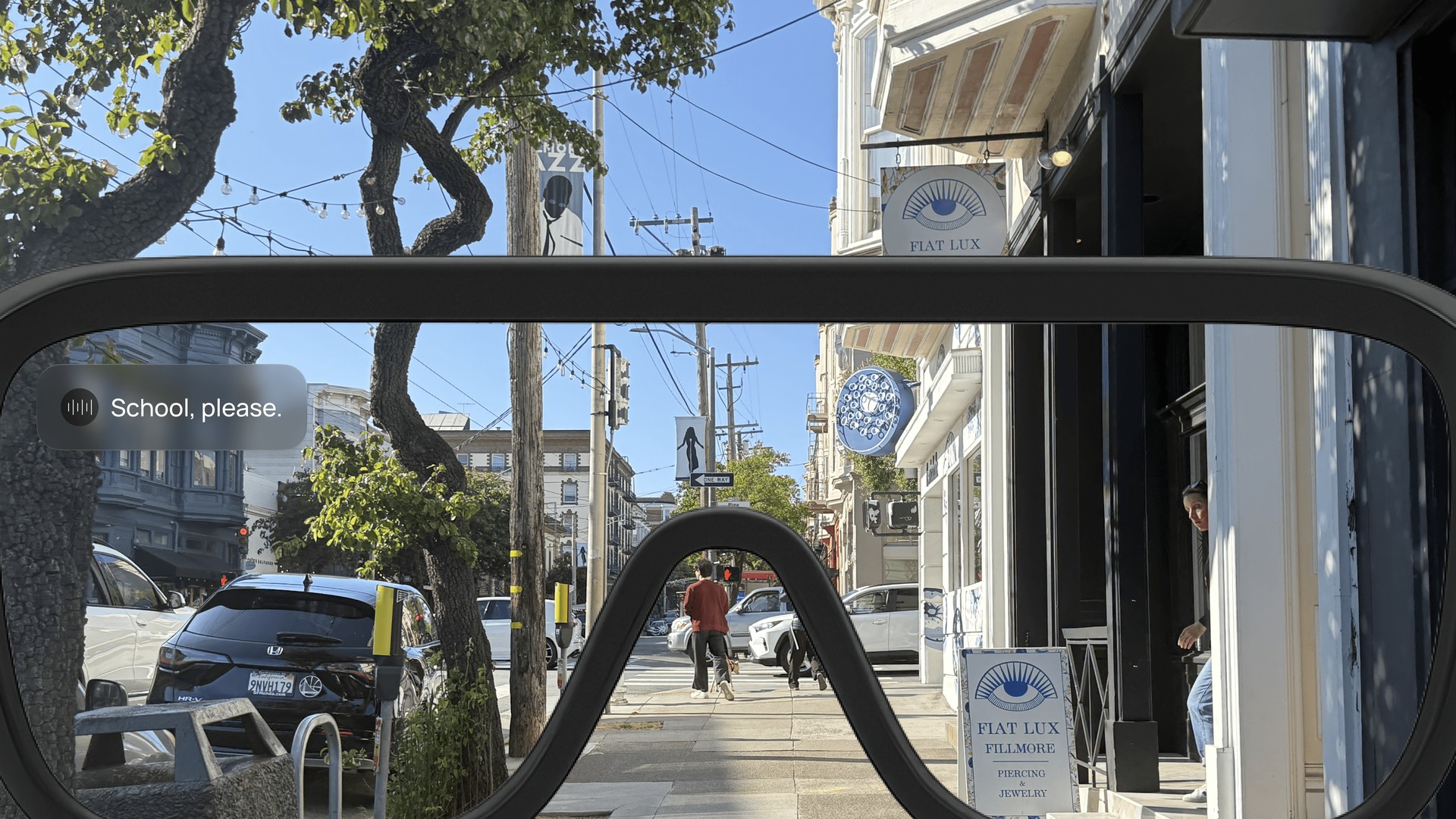
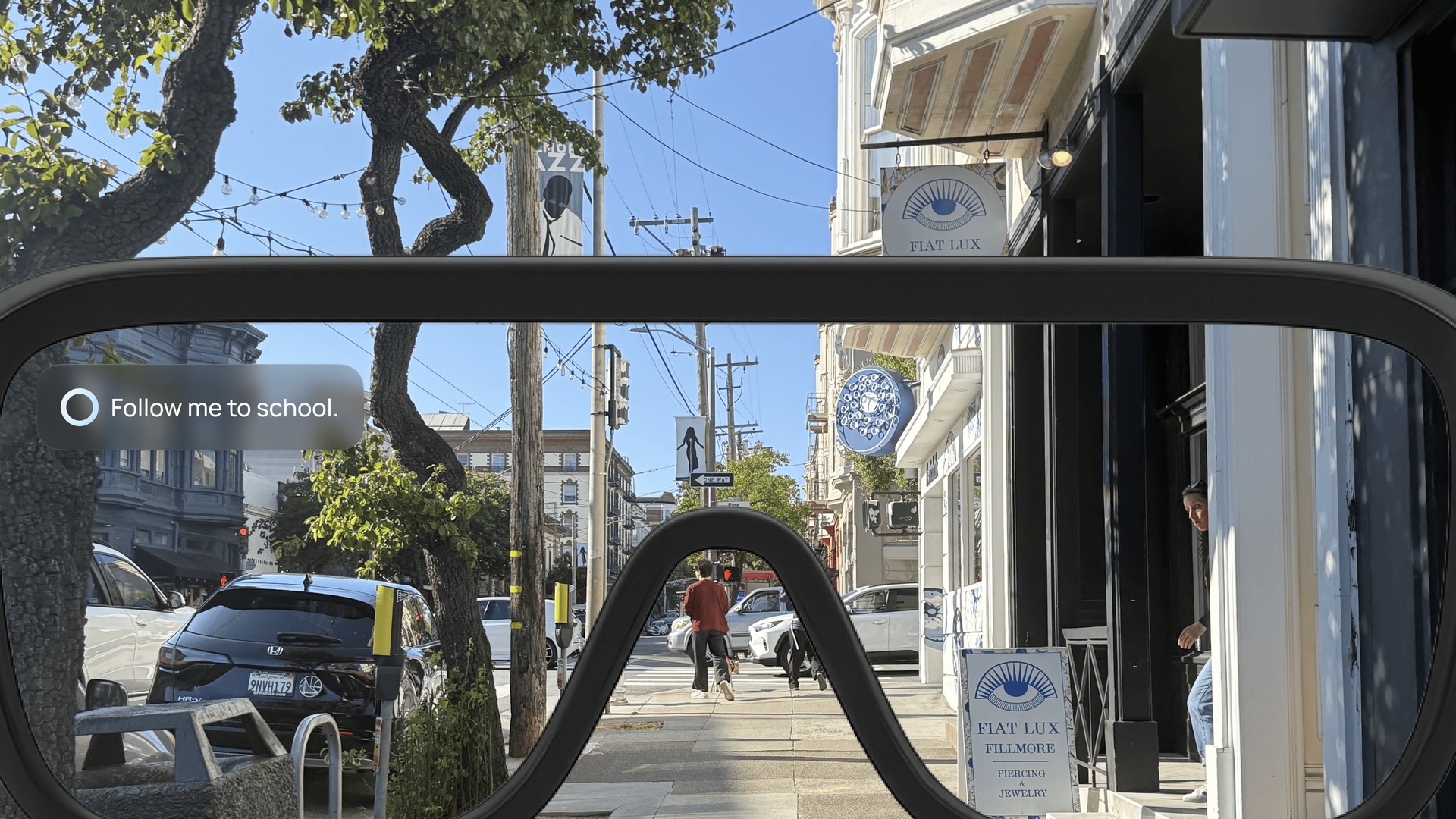
Navigation mode
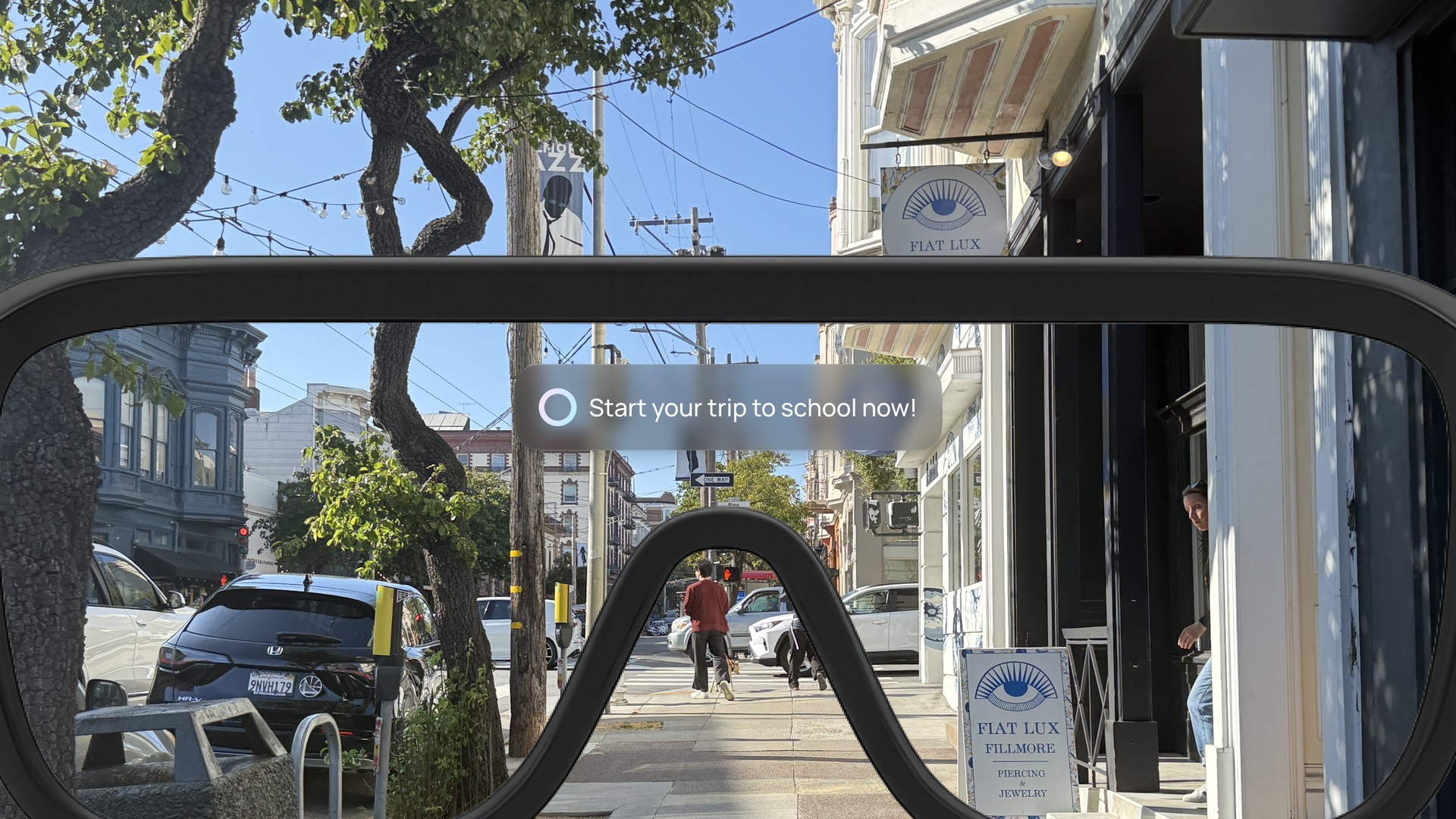
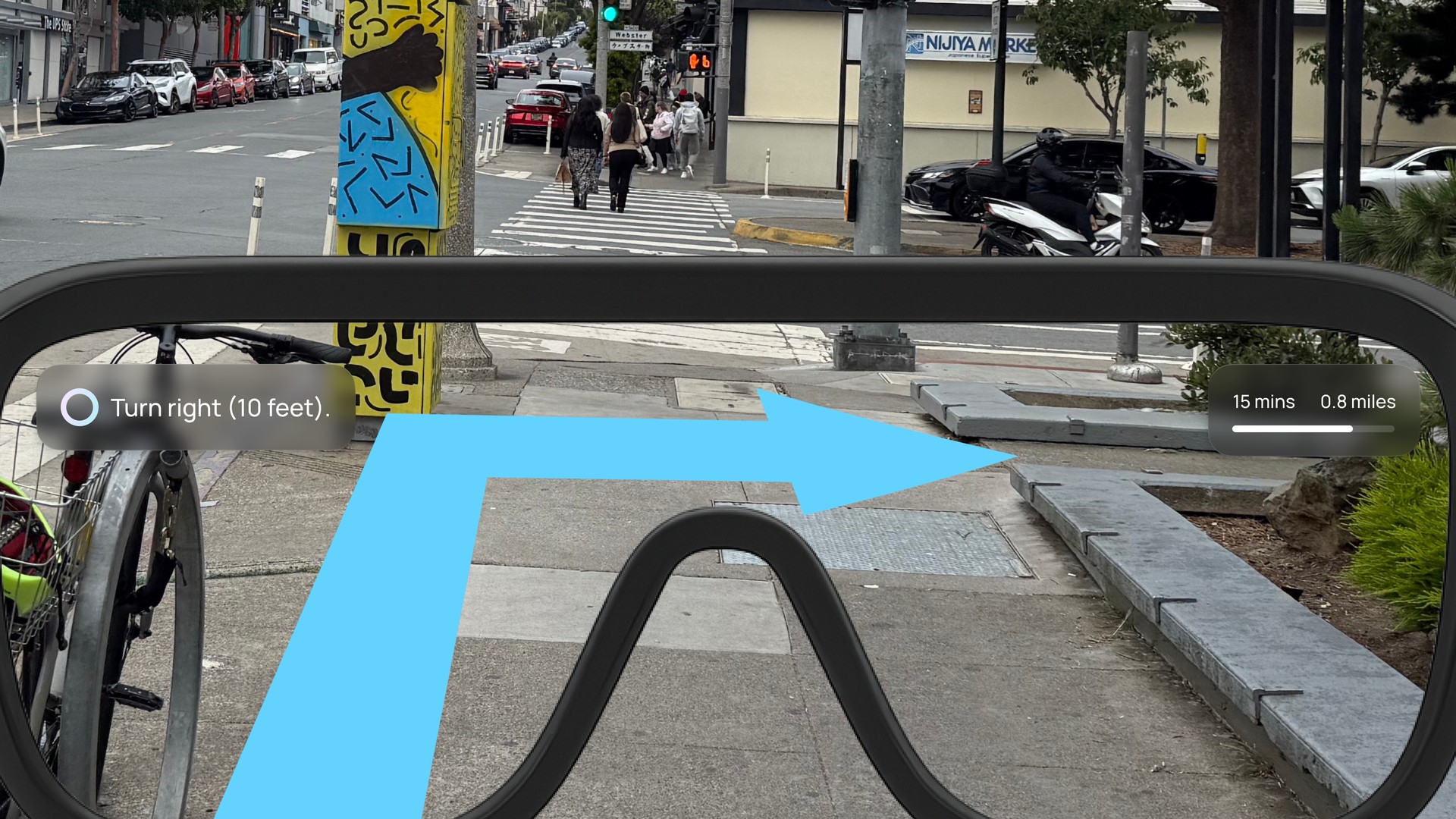
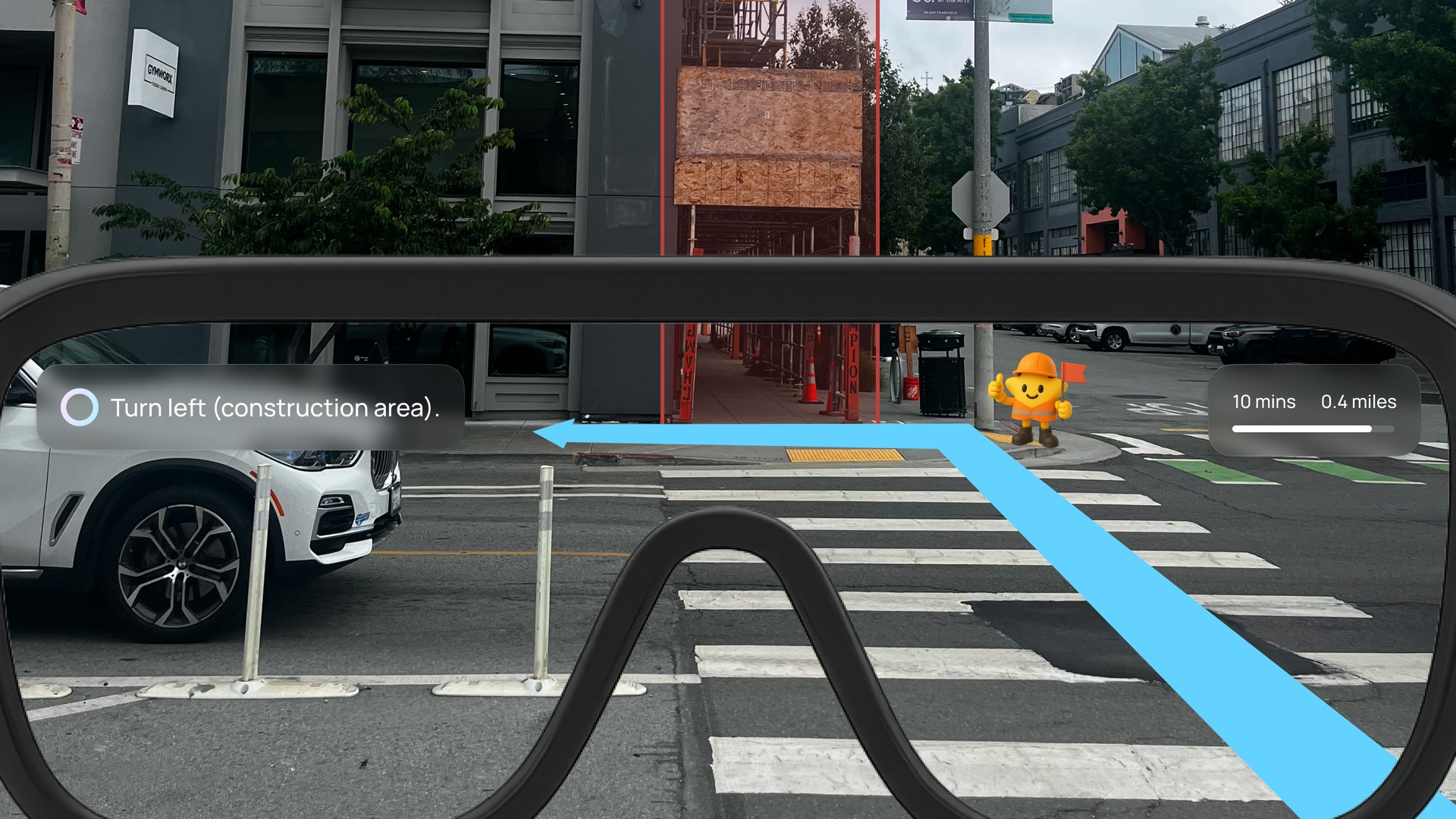
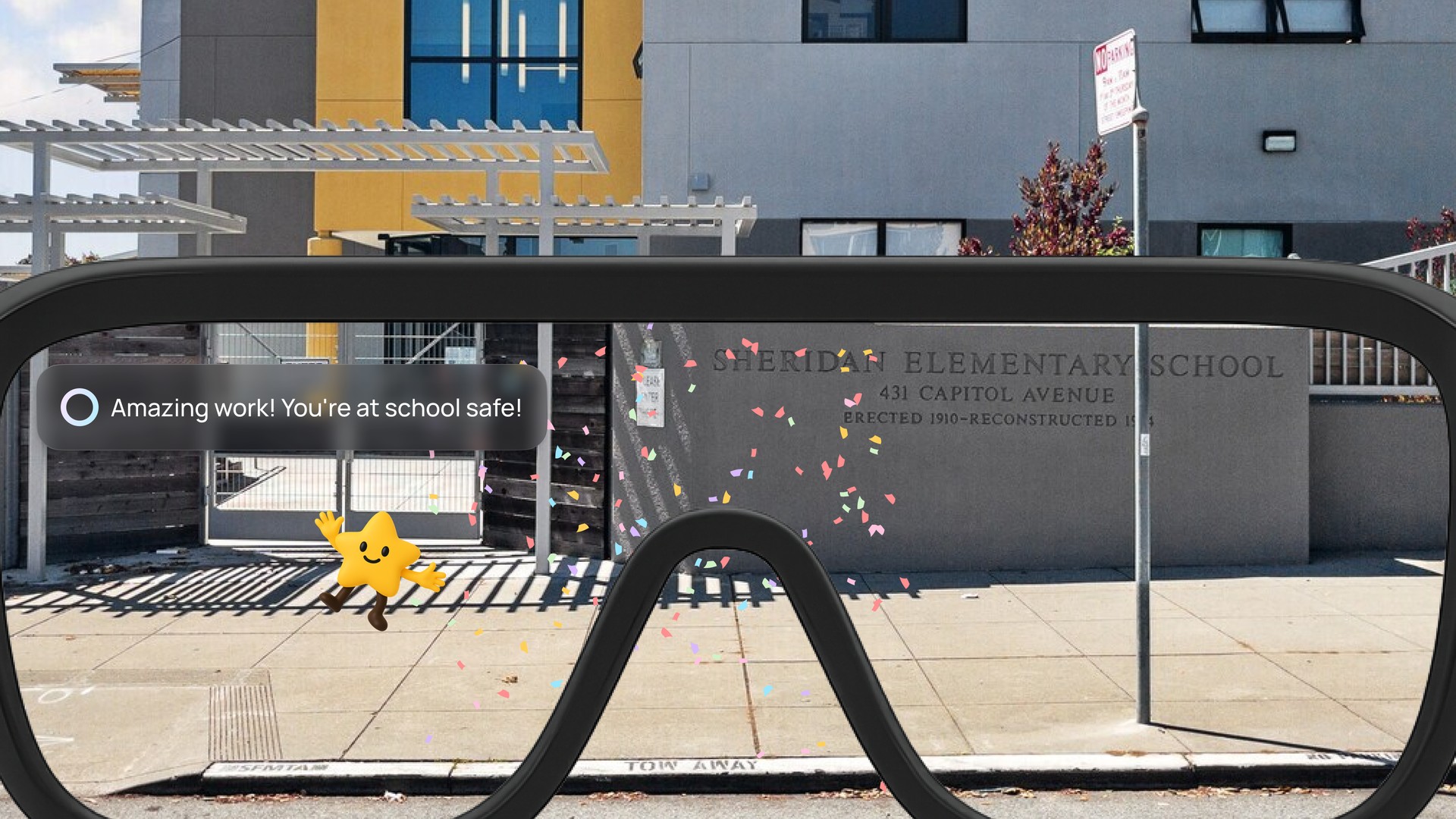
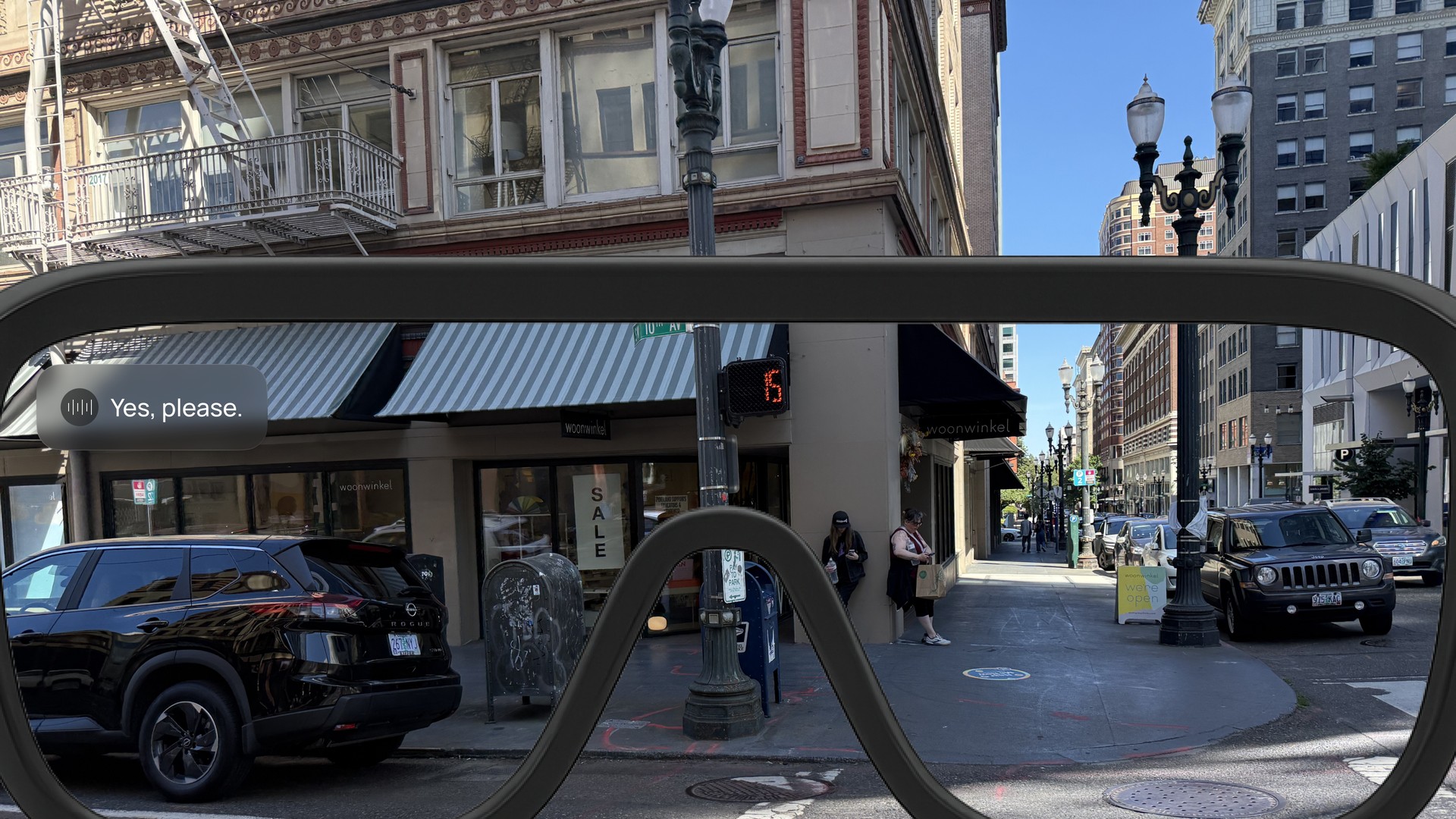
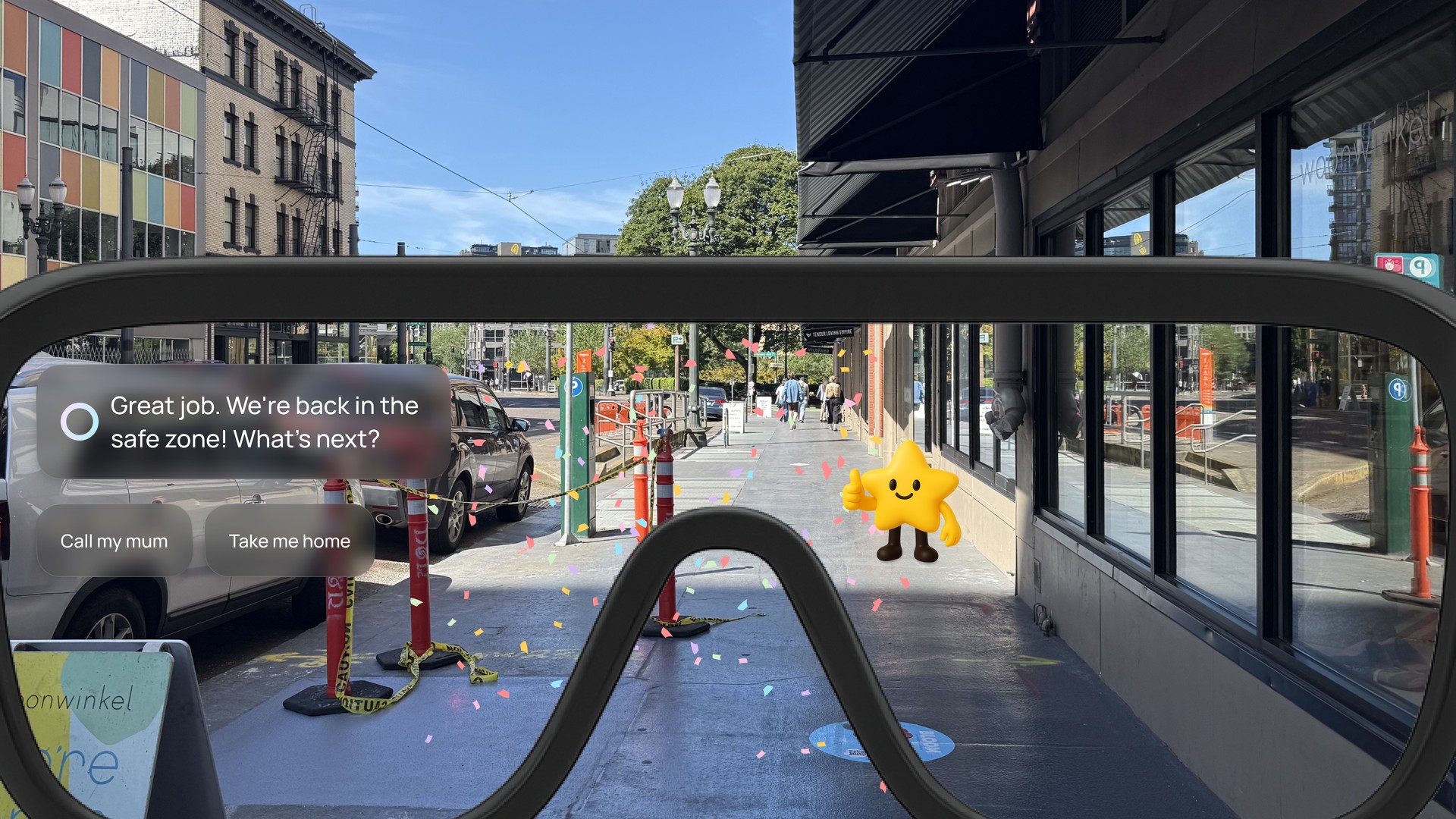
Navigation mode guides kids step by step to school using clear voice prompts and simple visual cues in their field of view. Children choose a destination with a short command, then follow safe turn-by-turn directions supported by contextual alerts such as construction zones or traffic lights. Friendly characters, progress updates, and small celebrations help make the journey encouraging and easy to follow.
Freedom mode
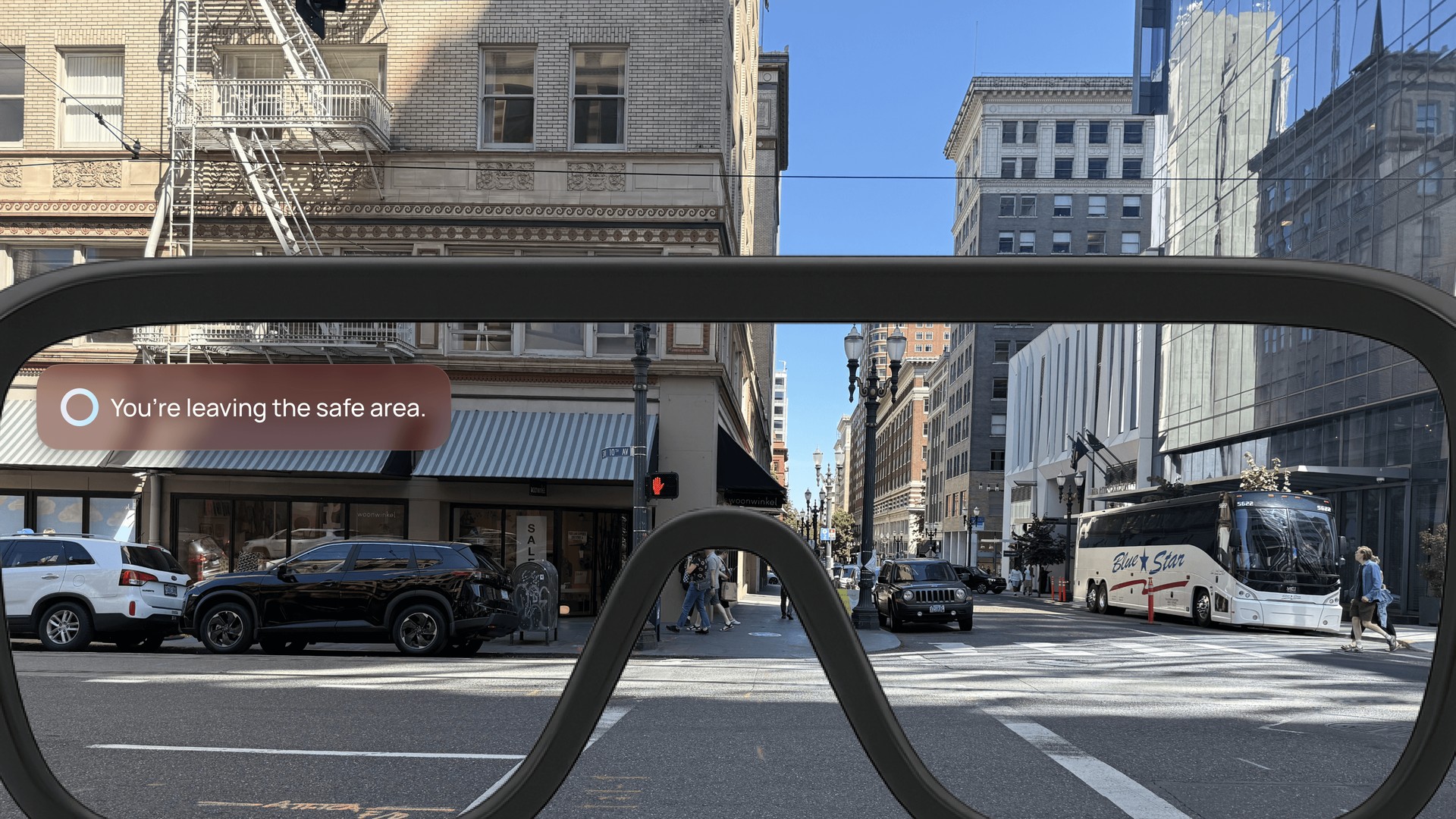
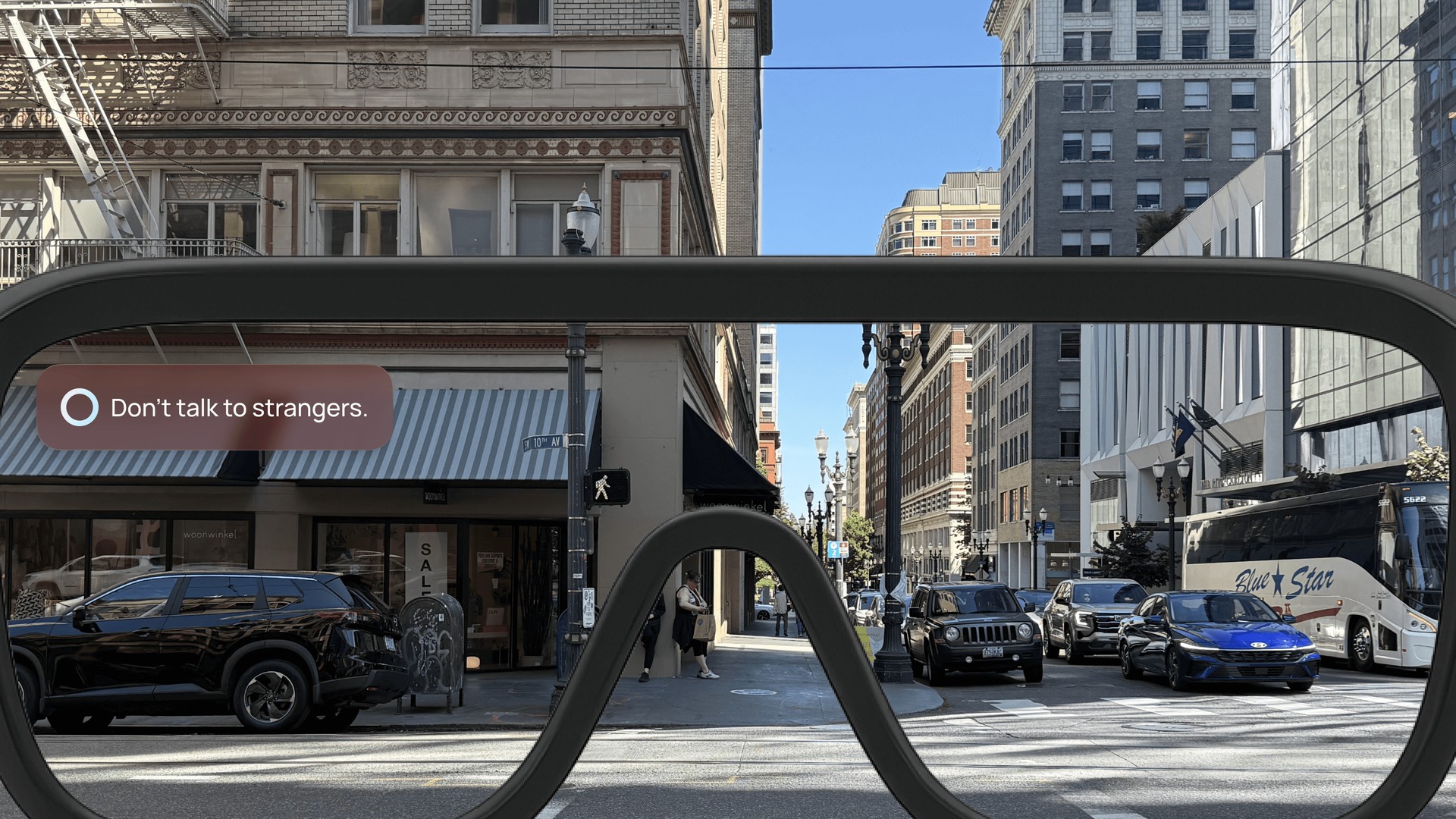
Freedom mode gives kids more independence while still keeping them safe. As they explore, the glasses provide gentle reminders, warn when they leave a safe area, discourage unsafe interactions, and guide them to nearby safe places when needed. Through simple navigation and positive reinforcement, children build confidence moving on their own while parents stay reassured.
Reflection
The most protective version was the one no child would wear
The safest system on paper gave parents everything they asked for, and it was the one the children told us they would take off. A product a child refuses to wear delivers zero safety, so building exactly what the parent wanted would have defeated the point. That is why tracking is a setting and safe zones are the default. When two users want opposite things, the default is the design decision, not the feature list.
Voice turned out to be intuitive for children, so simple hand gestures are the next thing to test as the hardware improves. Speculative work still has to survive a real family in a real session, and this one only held up once the child's objection outranked the parent's request.